
Trojan horse, virus

bazfile Posted messages 58529 Registration date Status Moderator Last intervention -
Help!!!
Good evening, I am devastated and overwhelmed by system alert viruses. Could someone please advise me on what to do? Thank you.
3 answers
-
-
Hello.
It's nothing serious, it's probably just some nuisance notifications.
Two solutions are available to you.
- Either remove the nuisance notifications yourself; for that, read this page and also this page.
Or reset the affected browser manually or with Reset Browser.
- Or download FRST.
Once downloaded save FRST on the desktop then right-click on FRST and choose Run as administrator which looks like this:
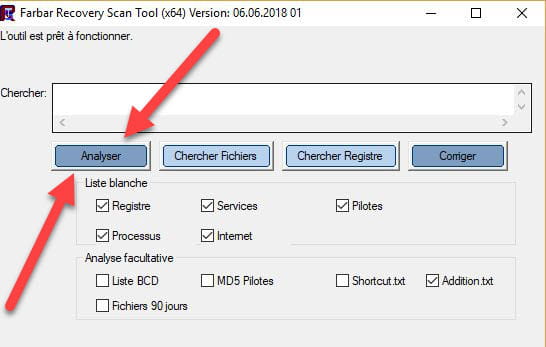

 Wait for the message the tool is ready to function to appear, then click on Analyze.
For your information:
 If the opening of FRST triggers an alert from Microsoft Defender, ignore it and click on More information, then on Run anyway, see below.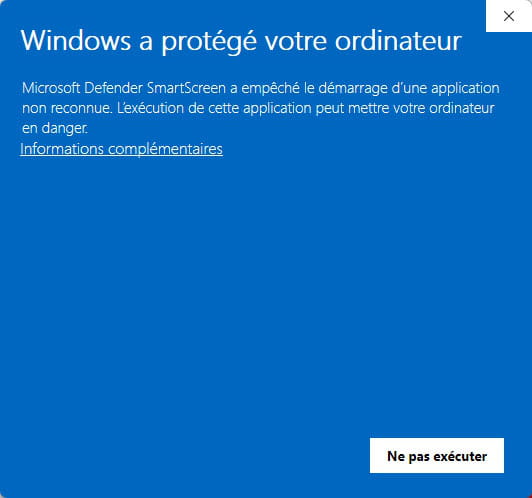
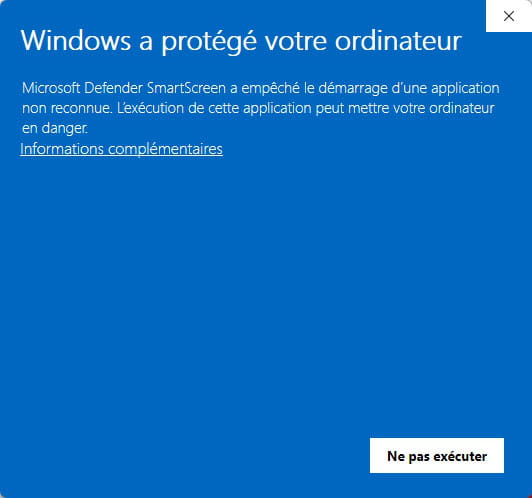

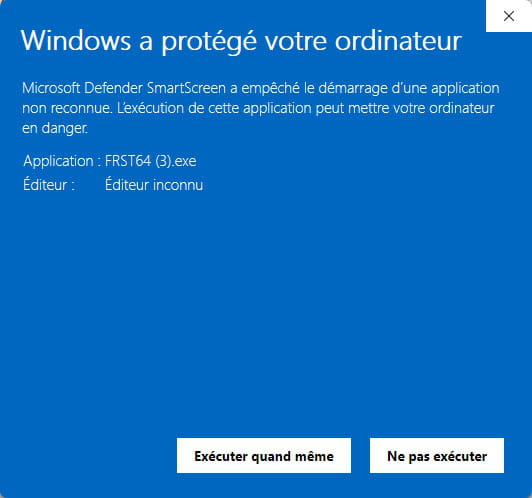
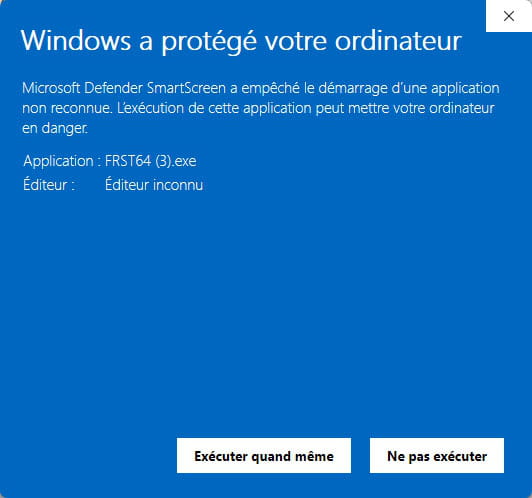
Attention, wait for the messages indicating that the analysis is complete.
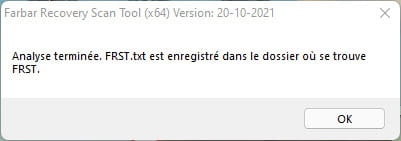


At the end of the analysis, the two reports FRST and Addition will be on the desktop.

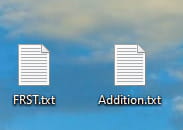


Send the FRST and ADDITION reports to https://pjjoint.malekal.com/.
Then attach the two links generated by https://pjjoint.malekal.com/ in your reply.
bazfile
Moderator/Security Contributor.
a hello, a response, a thank you are always appreciated. -
Good evening,
try to first run a Windows Defender scan.
Open the start menu and search for terminal or Powershell
Open a Powershell terminal as administrator:
copy and paste this or retype:
Start-MpWDOScan
The PC will restart and start its system scan to block the viruses it can detect.
If that's not enough, let us know and we will move on to step 2.


