
Scribus how to shadow a text frame
sciuro Posted messages 290 Registration date Status Member Last intervention -
Hello,
I just created a Scribus page consisting of a text frame filled with text.
I managed to add a continuous border to it.
However, I can't, despite consulting several tutorials, create a shadow around this border to make the frame stand out from the page.
Can you help me?
4 answers
-
Hello,
To shade the frame of a text in Scribus, go to Properties > Colors > Stroke, then set a shadow color by adjusting the thickness and color of the stroke, and enable the shadow option if available, to achieve the desired effect.
-
Thank you Panth33ra, but still not the expected result...
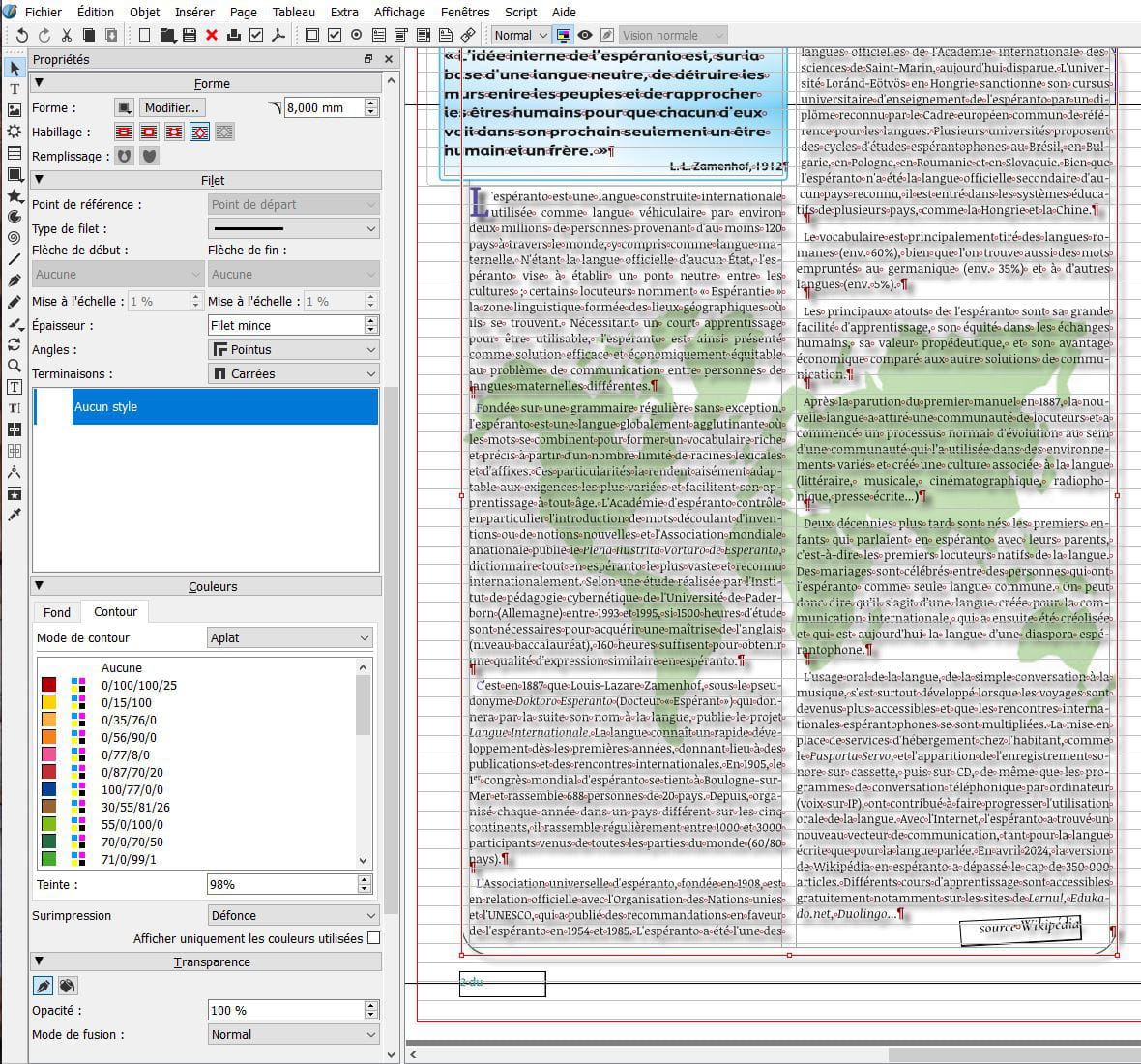
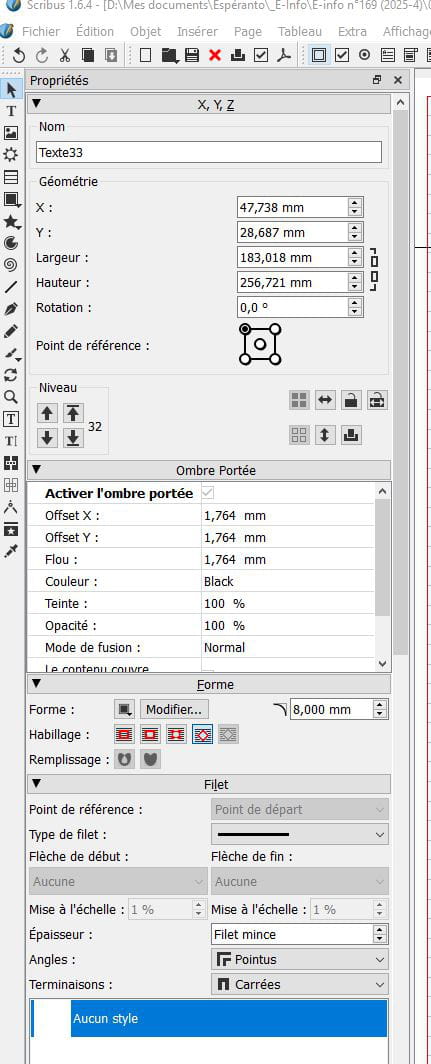
In my version of Scribus 1.6.4, after selecting the Text frame, I went to Properties > Drop Shadow ("Enable Drop Shadow": checked) > Shape (which wrapping to choose? > Border > Color (black) > Transparency...
The only result I got was to shadow the text contained in the frame, but not to shadow the frame itself to detach it from the page... (see my 2 screenshots)...
-
You can create a frame around your text frame, and it's on this frame that you apply a drop shadow. Play with the layers to place it below the text...
There might be other methods... -
Indeed, it is a solution. However, it is strange to have to create a new frame layer just to give it a shadow...
In any case, thank you for this solution.

