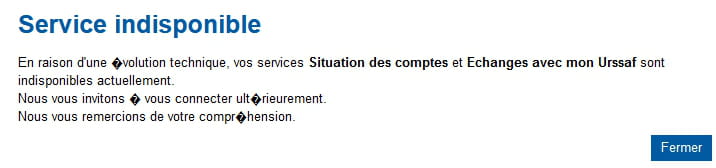
Error 404
SolvedHello,
For several weeks now, I have been unable to connect to the Urssaf site. I get the error message 404 - page not found. No matter which browser I use (Chrome or Firefox). The same happens if I try from my mobile connected to the wifi (so with the same IP as my computer).
However, if I disconnect my mobile from the wifi, access to the site works again.
What can I do to resolve this issue?
Agnès
9 answers
-
Hello,
A message http error 404 indicates a missing page on the web server, so it has nothing to do with your box and the connection; you must first check that there's no missing letter in the URL in the browser's address bar.
And there you go, there you have it ....
But goodness, those line spacings are so annoying !!-
-
@Bretagne2929
I don't know why you can connect via 4G, but this error can't be related to your connection method, that's for sure, at least as you describe it.
At the moment this error occurs, you are already connected to the site, so it can't be related to the IP address, or else the router would be filtering and rewriting the URL, but normally, it shouldn't be able to touch it.
Can you provide the link to the page in question, or does it require prior authentication?
PS,
I'm having a somewhat similar problem right now with the Enedis site, but it's still different, probably a cookie issue, because if I log in normally, the authentication page stays blank, but in incognito mode, I can authenticate...
-
-
I'm starting a new thread because it's hard to keep track of the comments that get folded:
Did you see my message <19>?
And here we go, here we are ....
But goodness, those line breaks are so annoying!! -
Hello,
Try launching this program.
Download ResetBrowser for free for PC - CCM
Similar case here.
https://www.plus.transformation.gouv.fr/experiences/5250029_adresse-ip-blacklistee-par-urssaffr
It seems to come from them (indeed, the 404 error is related, generally, to a server-side error as previously explained…).
https://www.totalbug.com/autoentrepreneur-urssaf-fr/comment-page-15/#comments
https://www.totalbug.com/autoentrepreneur-urssaf-fr/
https://maintenance.dcl.urssaf.fr
-
-
@Bretagne2929
Can you explain how it got fixed? It could help others...
-
@brupala
Yes, of course. I downloaded and installed Cloudflare (the link you sent me), I attempted a connection and it worked.
-
@Bretagne2929
OK, thanks,
so it's indeed related to the IP address.
I think the urssaf site blocks certain addresses, only they know why, and they try through a firewall/proxy to redirect to another error page, but since that page is not found, it's likely that this site is poorly managed.
They would do better not to accept the connection in that case, those idiots.
PS,
sorry, I hadn't seen your message <27>
this CCM site is also annoying for hiding the last comments of a reply when it should rather hide the first ones, or even none at all.
PS2,
warp is one example, any VPN would probably have worked, except those that provide addresses abroad, the sites that block Orange fiber addresses often tend to block foreign addresses, but warp doesn't take detours and is faster.
-
@brupala
Well, you learn something new every day.
What's strange is that until now I had never had a problem. Well, we won't try to understand it, it works, that's what matters.
So, am I always in private browsing, isn't that a problem?
And yes, I also missed your message where you sent me the link.
-
-
For private connection in the warp vpn or connection to the local network?
I have never paid attention, at the same time, it doesn't seem to bother me in vpn, actually, I think it doesn't apply and that Warp should filter itself, but I'm not sure.
For example, if I look at it, only my local network (wifi named PA2 in my case) is on a private network and that I can set to public:
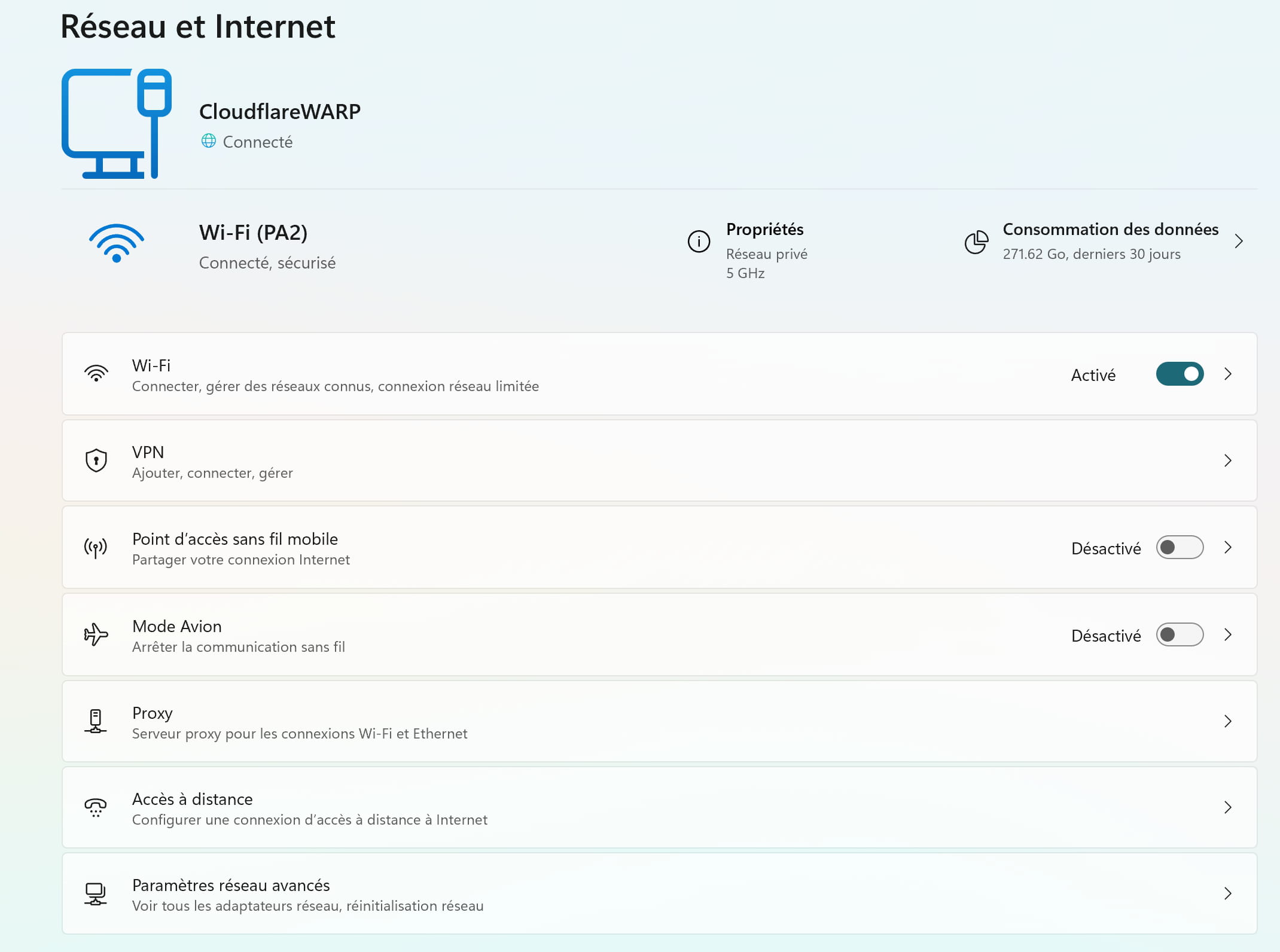
network configuration W11 © brupala As for the state before, it is certainly the ursaff site that changed its filtering.
It should be known that this kind of sites subscribe to a provider of suspicious address lists that they apply blindly without knowing why and thus block tons of people for no reason.
If we add to that that now Orange, like the others, is starting to place its fixed customers behind a shared ipv4 address (CG Nat), we can end up with some guy somewhere messing around with the same ip address as you and the address ends up on the blocklists, hassle later, of this kind :-(
-
-
@Bretagne2929
oh yeah, it's not the same,
yet you have internet access, right?
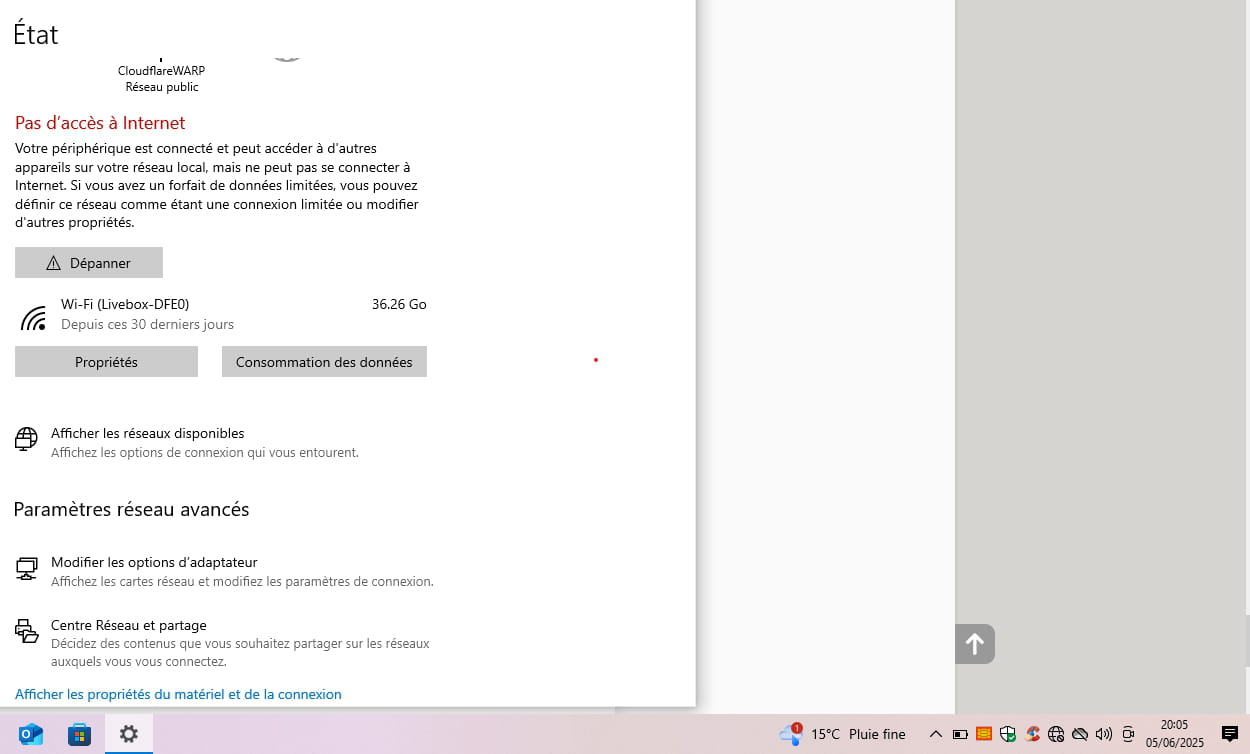
Warp bypasses quite a few Windows functions at the firewall and DNS level.
is it Windows 10?
In any case, you don't have to use Warp all the time, just when you need it and have to change your IP address.
-
@brupala
Yes, I have access to the Internet.
And in the meantime, it's gone back to normal; I'm going through my box again. It's hard to understand.
Thank you anyway for all this information. It's interesting to learn.
-
-
I probably didn't explain my problem well. I can't access the site, let alone log in.
I type Urssaf in the search bar, then I get the site suggestion, and it's when I click on the link to access it that I get this error message. I can't even reach the homepage. It's the same with my phone (except on 4G), and also with several browsers.
-
-
@brupala
Chrome, Firefox, and Edge.
-
@Bretagne2929
These are browsers, not search engines. Does the link I gave you work or not?
-
@brupala
Sorry, I misunderstood. The engine is Google and no, clicking on your link still gives me the same 404 - page not found message.
Why do you think this has nothing to do with my connection? The fact that it works on my phone with 4G isn't an indication?
-
@Bretagne2929
Certainly, I can't explain why, but fundamentally, it's a server error; I don't see why the box would tamper with the URL...
Have you tried restarting the box?
Also, if it still doesn't work, could you please provide a screenshot of the error page showing the address bar?
-
-
Hello everyone,
Try without ad blockers or antivirus enabled.
-
-
-
@Kori-Kori
Always the same message :-(
-
-
Clear the browsing data from the browser.
-
-
-
@brupala
What does that mean? Did I do too many things?
-
@Bretagne2929
No no,
I was responding to the avenues explored by kori-kori that seem to be dead ends.
-
@brupala
Okay okay
-
-
Hello
https://www.urssaf.fr/accueil/se-connecter.html
After, I'm trying to talk to them to figure it out with them; you’re not throwing things everywhere, is it an IP they blocked?
https://www.urssaf.fr/accueil/contacter-urssaf.html
Or does the link in question lead to something else, since the message suggests going back to the home page; either it wasn’t there or the server is rejecting a request presented in a "very special" "form."
An antivirus, a firewall, or a "filter" asks for permission and then modifies the link or shows you a 404, but normally it's the urssaf server that displays the 404.
-
Hello Agnès,
The fact that you can access the Urssaf site on 4G but not via your Wi-Fi connection suggests an issue related to your home network. Here are some steps you can follow to try to resolve this problem:
-Clear the DNS cache on your computer: On Windows, open the command prompt and type ipconfig /flushdns, then press Enter.
-Change the DNS servers on your router or computer: Try using public DNS servers such as those from Google (8.8.8.8 and 8.8.4.4) or Cloudflare (1.1.1.1).
-Restart your Internet router: A simple reboot can sometimes resolve connection issues.
-Test access to the site in private browsing mode: This helps eliminate issues related to extensions or the browser cache.
-Check your firewall or antivirus settings: Ensure they are not blocking access to the Urssaf site.If the problem persists after these steps, it would be best to contact your Internet service provider to check for any known issues with accessing this site.
-
-
@brupala
Hello,
There is a new epidemic today, it seems that it is not the author responding but an AI; if you ask it a not-so-smart question without trying to understand the stakes, the answer is the same. -
@brucine
It's true that the spiel sounds like prose generated by Assisted Stupidity, it's annoying these deadweights, yet the account seems old.
In our case, the question was still well described and documented, with a few shortcuts, but quite good compared to average, with a counterpart endowed with a good level of understanding, and especially a desire to learn, which greatly increases the willingness to help :-)
The only thing that muddied the discussion was that damn masking of the latest comments, which is unbearable.
-