
Windows 11 password issue
Closed
Josh Randall Posted messages 17922 Registration date Status Moderator Last intervention -
Hello,
My daughter set up her computer with a PIN code. This morning it was working fine. But tonight, when she accesses the startup screen and enters her code, the error message below appears.
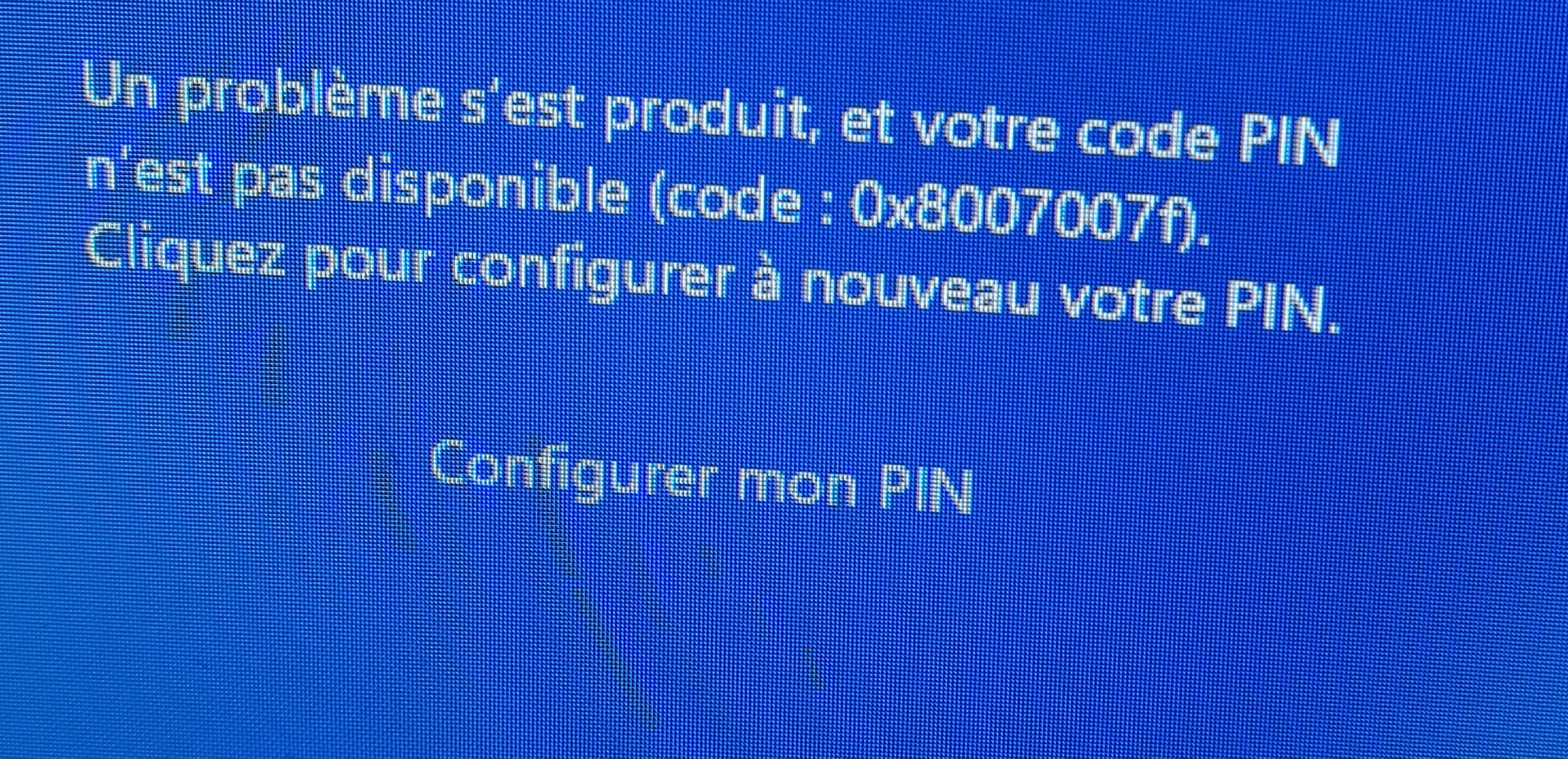
However, if we enter a wrong PIN code, it just says that it's not the right code.
Does anyone have a solution for her?
Thanks in advance!
8 answers
-
Hello
Here are some suggestions to unlock this kind of problem:
https://www.asus.com/fr/support/faq/1050249/
The PIN in question is that of Windows Hello; by logging into the associated Microsoft account, it is theoretically possible to remove it via this Microsoft account from another PC.
-
Hello
It seems that this is actually common:
"Pressing Retry does absolutely nothing,
to avoid this error message 0x8007007f you needed to launch the installation assistant 'Windows11InstallationAssistant.exe' in administrator mode (even if you are already logged in as administrator on the PC in question)"
Well, if that was all there was to the instructions;
https://www.bhmag.fr/astuces/astuce-comment-eviter-message-erreur-0x8007007f-installation-windows-11-59218
(if it works, give a zero to the original Windows 11 instructions)
-
Hello Eric, and thank you for your help.
I'm having trouble understanding your response. Since my daughter can't enter her password, how can she create an ISO file without access to her computer's features?
Does she need to restart in safe mode? With or without network support?
-
Hello,
Nothing indicates that the error occurred during the initial installation of Windows 11, as mentioned in <1>, it happens "willingly" simply during updates.
In any case, we have no Windows repair solution since we cannot access it.
As long as it involves a laptop with a removable battery (or one whose battery has been fully drained) or a desktop, we can repair it from the recovery console obtained by unplugging the power cable and then plugging it back in three times in a row.
Otherwise, it's not so much about creating an ISO as it is about downloading it to create an installation USB drive with Media Creation Tool or whatever, but of course on another PC if we don't have one as we should.Hello,
The error did not exist at the installation of Windows. His computer is already 3 or 4 years old. The connection problem with Windows Hello started last night.
Maybe after a Windows update?
In any case, for the moment we can't find a solution... not being very computer-savvy, we have difficulty understanding and reproducing the provided information.
Hello
.oops.
"The connection problem with Windows Hello started last night"
!!the missing info on the evening of May 5, 2025!!
So last night, May 5, 2025, for the process to work, you would have needed to log in via "Windows Hello" with the administrator account and perform the process before opening the window to enter the code by right-clicking and running as administrator.
-
-
RE,
After multiple unsuccessful attempts, we have a new error message
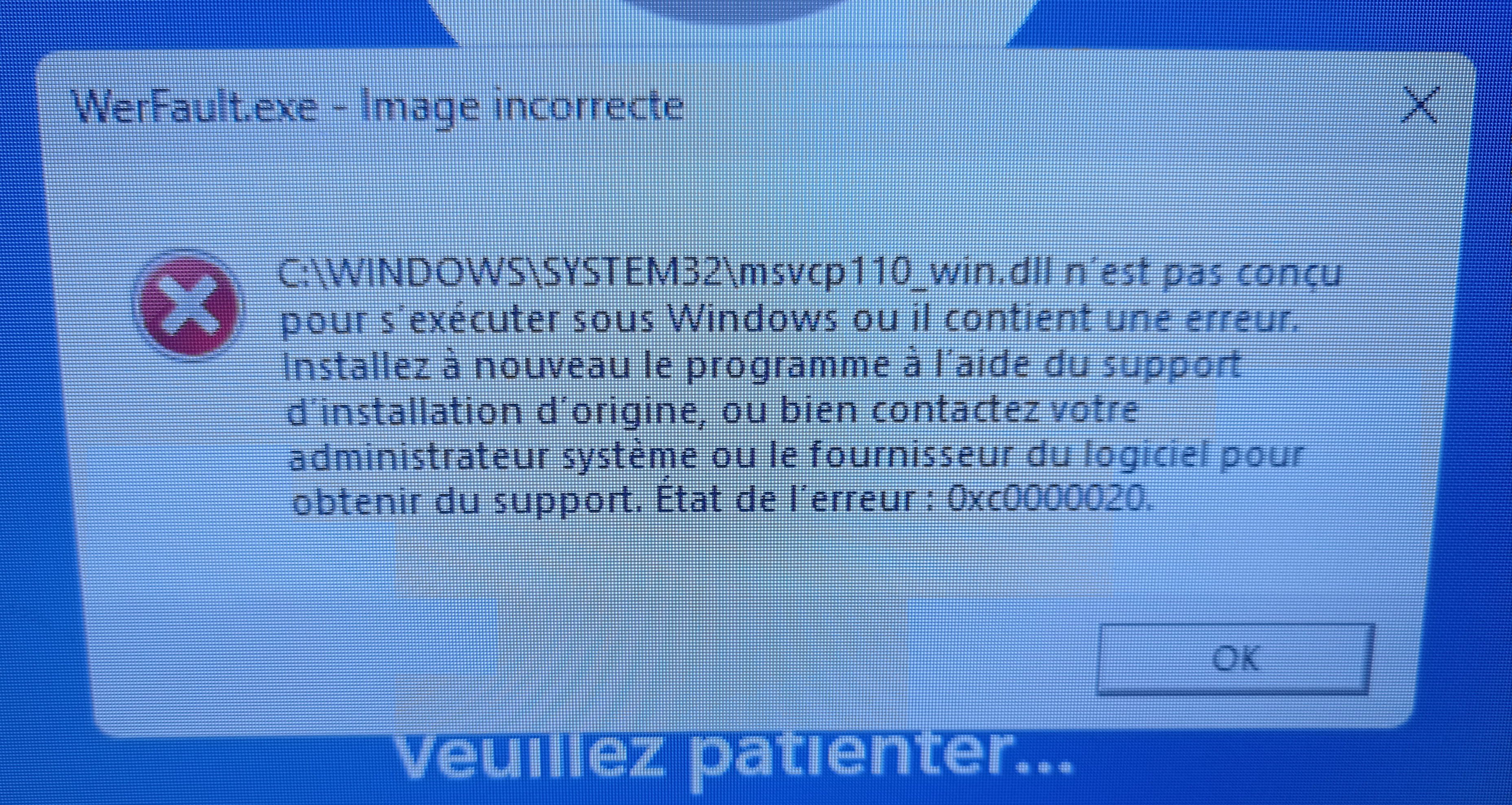
Any ideas? Thanks
-
We revisit what I mentioned in <3>.
Since Windows is not starting correctly or at all, there is no other solution than to force the recovery console (I remind you that you have to brutally cut the power 3 times in a row, so let the battery drain if there is one and it is not removable) and from there, attempt restoration or reset from troubleshooting:
https://www.malekal.com/windows10-11-options-recuperation-systeme/#Demarrer_surnbsples_options_de_recuperation_de_Windows_10_11
or similarly troubleshoot or reinstall Windows from a bootable installation USB, which you need to create on another PC if you don't have one:
https://www.malekal.com/comment-creer-une-cle-usb-installation-windows-11-bootable/
-
-
Hello everyone,
As I said, computing is not my field and the accompanying explanations inevitably lack precision. Sorry to waste your time
I started from the information provided by
@flo88 StatusContributor which states that it is possible to remove the Windows Hello PIN/password. But this is not very clear to me. I am currently logged into my daughter's account but the process is not explicit. Where can this be done?
Thank you
-
Hello
I just spent 10 minutes rummaging through my Microsoft account without success... I can't find where to reset this PIN code...
It seems that the feature may have been removed... I thought it was possible in the past.
Otherwise, while searching on Google, I found various ways to do it on Malekal's site, but none of them are really simple...
https://www.malekal.com/resoudre-probleme-code-pin-windows-10-11/
-
-
Hello everyone
I'm reaching out to you because so far I haven't been able to solve my problem.
Up until now I've tried
- a power reset ==> nothing
- safe mode with networking ==> nothing
- creating a Windows 11 installation media ==> nothing. The USB drive is not detected.
I don't know what to do.
I don't know if the configuration could help you but here it is anyway
GML MICROSOFT OA3 H17-10001
CORSAIR SPEC-05 BLACK
AMD RYZEN 5 3600 100-100000031BOX
GSKILL DDR4 16GB (2*8) F4-3200C16D-16GIS
GIGABYTE GEFORCE GTX 1660 SUPER OC 6G
CORSAIR CV SERIES CV450 80PLUS
GIGABYTE B450M GAMING
CRUCIAL SSD P2 500GB NVME PCIE M.2 1What is becoming problematic is that my daughter has school obligations and all her files are on this computer which denies her access
If you have other solutions, I'm all ears. Thank you in advance
-
Hello everyone,
What happens when you start in safe mode? Can you do it? I see nothing in the previous message... but what exactly is there?
Do you have access to the Windows startup options? Troubleshoot?
If YES.
Open the startup options.
Open command prompt.
Check where Windows is installed.
BCDEDIT
If on drive C: enter these commands
icacls C:\Windows\ServiceProfiles\LocalService\AppData\Local\Microsoft\Ngc /T /Q /C /RESET
Rename the old file:
Ren C:\Windows\ServiceProfiles\LocalService\AppData\Local\Microsoft\Ngc Ngc.old
Restart.:)
What happens when you start in safe mode
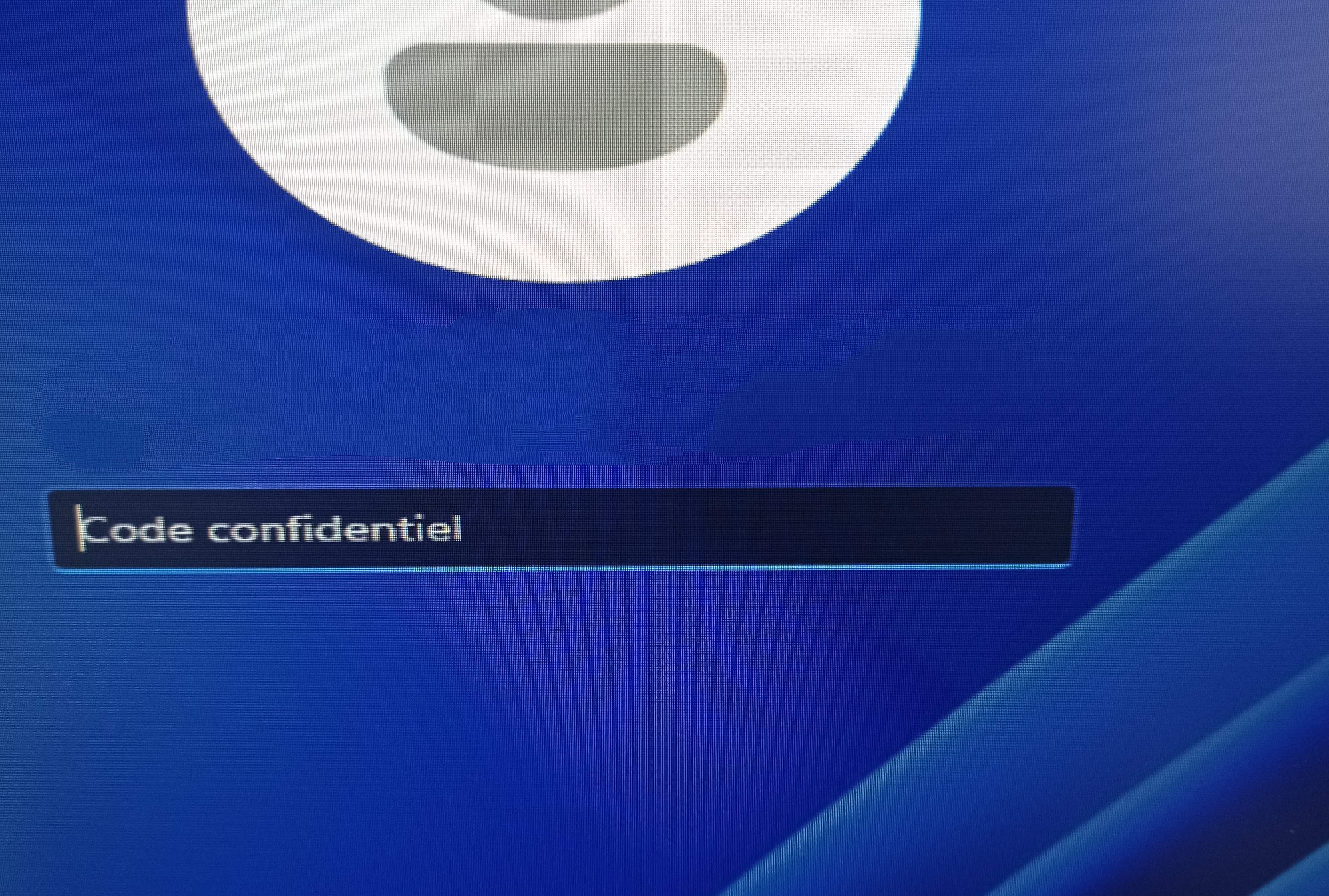
When I try to start in safe mode with command prompt, I end up back on the page asking for a PIN code. I no longer have access to anything.
To illustrate
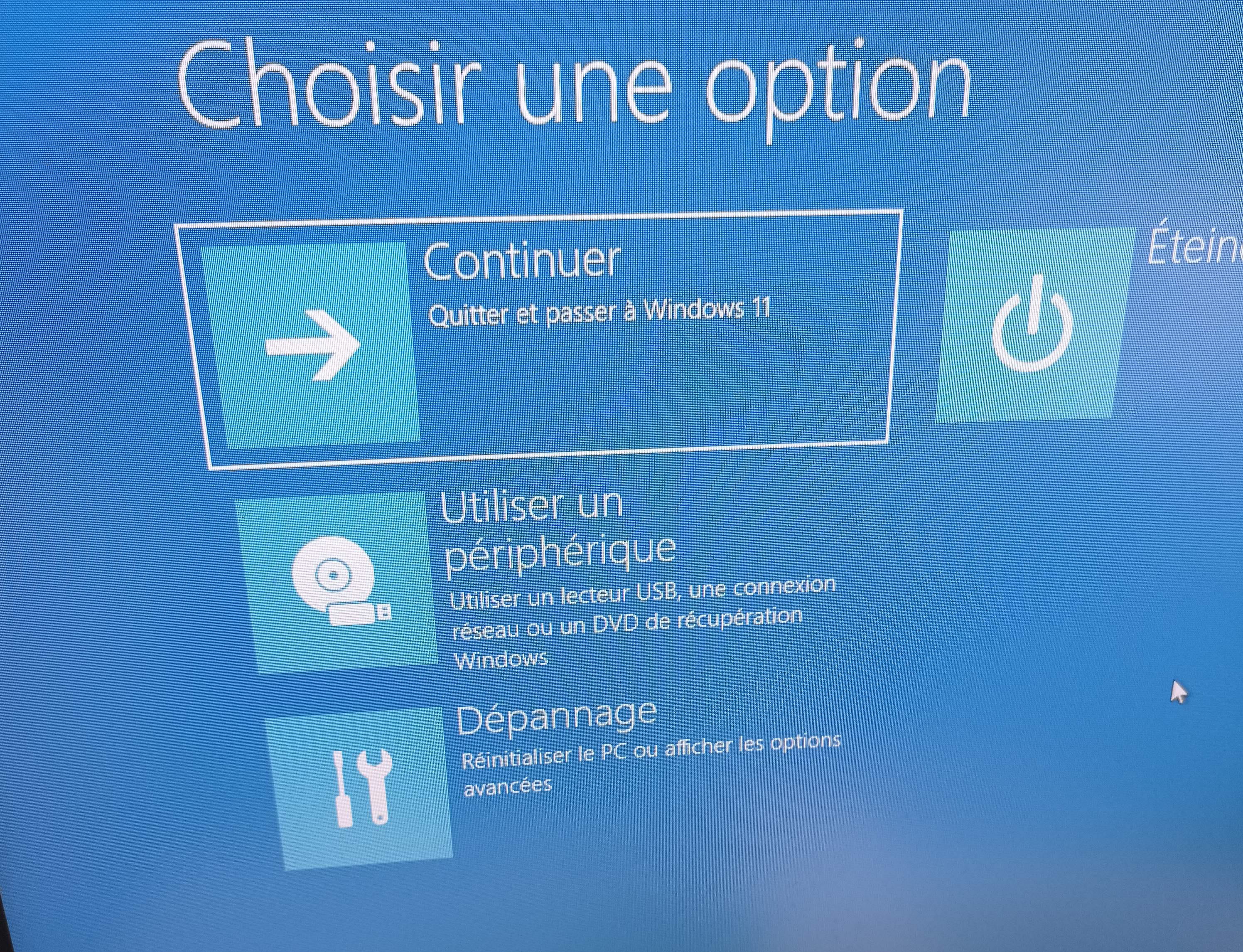
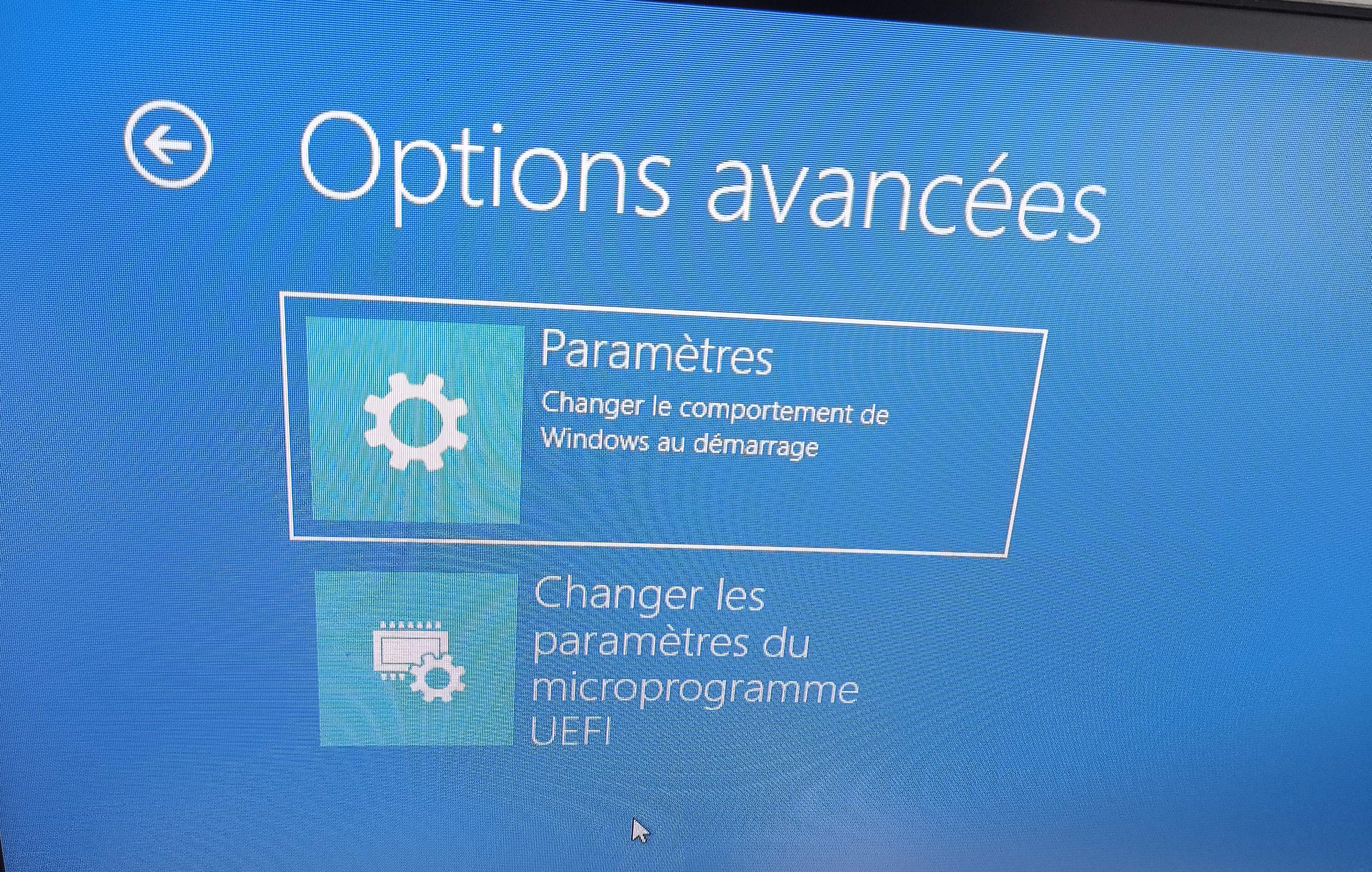
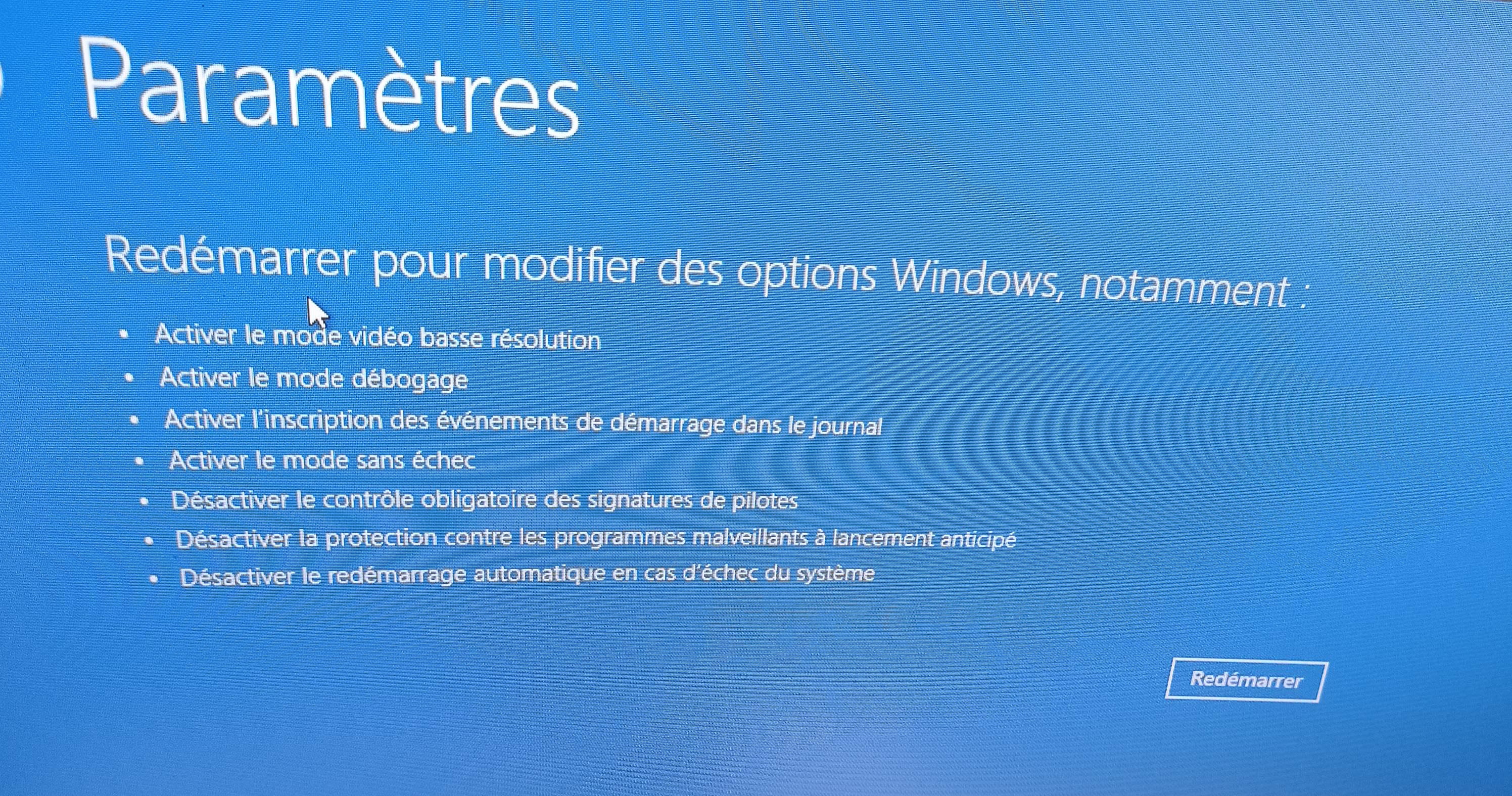
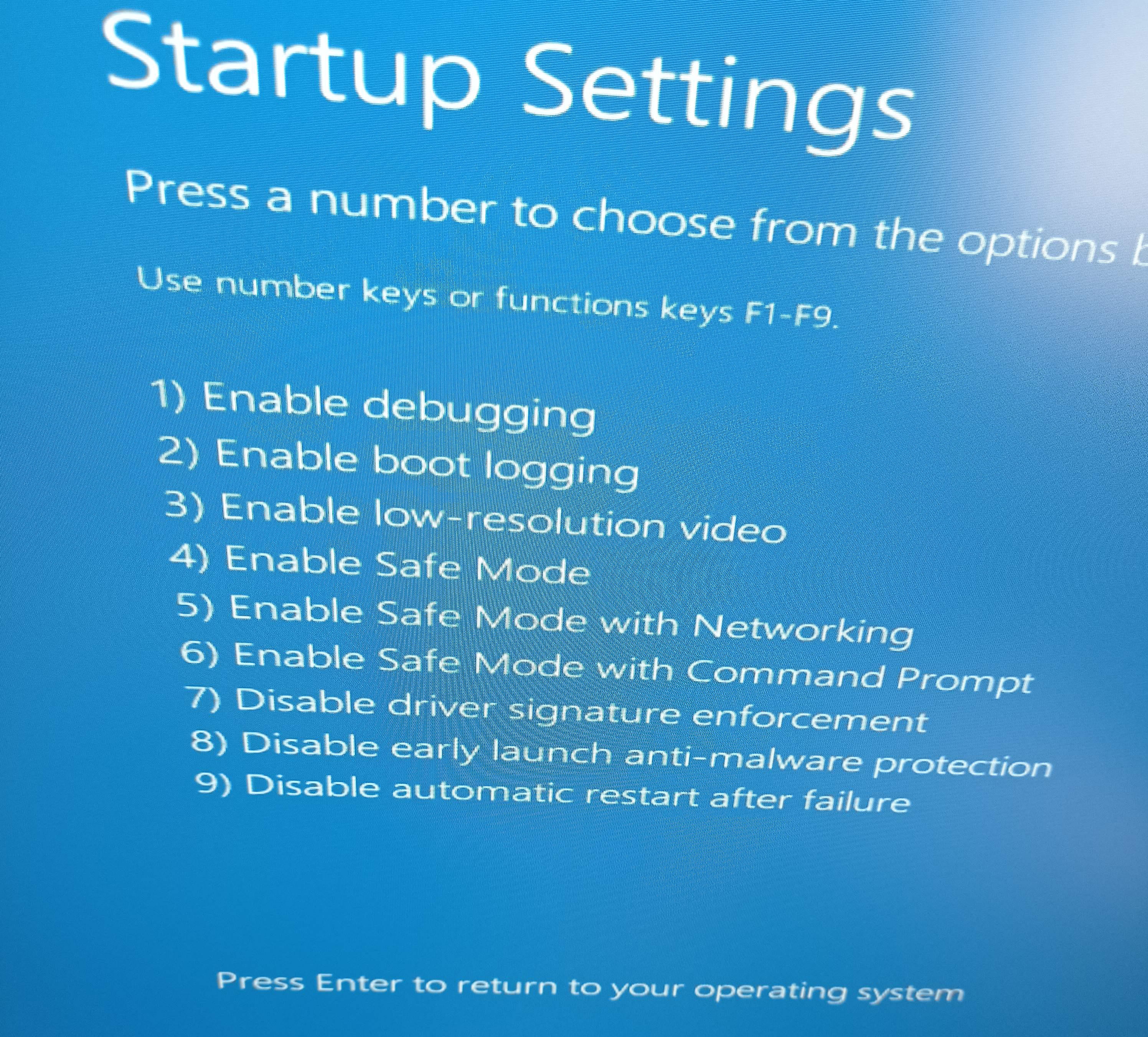
Whatever safe mode is chosen, I end up back on this page requesting a PIN code
Thank you, could you give us a screenshot of your BIOS to see which version you're on?
Normally, to access it, press the Del or Suppr key.
The USB key may not be recognized because the BIOS is not configured to boot from it first.
Otherwise, for the documents, if there is no external backup, remove the disk from the PC and connect it to a dock or an external enclosure, or to another PC to recover the data.
Hello everyone,
I decided to go to the store to fix the computer. That has been done since yesterday.
Thank you for your help.
Latest Discussions -
Sending messages with thunderbird
at 06:43 -
Incomplete video
at 03:03 -
Permanent security alert!
at 01:16 -
Understand keyboard keys
on 19 Aug -
Increase the mouse cursor size
on 19 Aug -
How to quickly prepare an image for a presentation
on 19 Aug -
Order responses
on 19 Aug -
Powerpoint slide show (.ppsx) to modify
on 19 Aug -
Defective sector zones on a cylinder
on 19 Aug -
Complicated gantt chart
on 19 Aug
Other languages



