
Malware or Virus?
MisteryBean Posted messages 8950 Registration date Status Moderator Last intervention -
Hello,
I regularly have malware reported by Malwarebytes, and I would like to know if my PC is infected with something more serious.
Thank you in advance for your help
Seb
7 answers
-
Hello
We will start with a diagnosis of the PC:
Read the entire procedure carefully before posting the reports
Do not post them directly in the messages as they are unreadable and incompleteThe reports FRST.txt and Addition.txt are expected.
All reports must be hosted on https://security-x.fr/up/ and you should indicate the obtained links in your response.
---------------------------------------------------------------------------------------------
--> The SmartScreen filter may trigger an alert. Click on Actions or More info then on Run anyway
---------------------------------------------------------------------------------------------
--> Download the FRST version of Farbar, compatible with your system and save the file to your Desktop.
--> For a 32-bit system
--> For a 64-bit system
How to know whether a 32-bit or 64-bit version is running on my system?
--> Wait for your browser to offer you the download to save, without clicking anywhere, especially not on the sponsors of the page.
--> Close all applications, including your browser.
--> Double-click on FRST.exe and click Yes to accept the Disclaimer.
--> Under Vista, Windows 7 / 8 and 10, you need to run the file by right-clicking -> Run as administrator.
--> Wait for it to indicate The tool is ready to work.
--> From the main menu, click on Scan and wait for the analysis to complete.
--> At the end of the scan, the reports FRST.txt and Addition.txt are created. Post these reports in your next response.
--> The reports are saved in the same location as the tool and under C:\FRST\Logs.
-
-
Hello, here are the two reports:
https://up.security-x.fr/file.php?h=R57c8502a22c39e6a17d9cf5d7f788951
https://up.security-x.fr/file.php?h=R5e2208df6adf7a5591343e823d68b16b
Thanks :)
-
RE_
No need for UP, we're volunteers and we respond when we can (just like you)
Try posting the Malwarebytes report where you had all the detections, because the last one only has one line that doesn't bring much.
=> Click on the Report tab
=> Select the corresponding file --> Click on view report
=> Click on export --> Text File (TXT)
=> The Save File dialog opens
=> Give it a name and save it to the Desktop
=> Upload the report at https://security-x.fr/up/ and share the link in your next response.
-
Hello,
Okay, no ups, sorry. It's just that I have a 6-hour time difference, so I'm a bit delayed in my response. Thank you anyway.
Here are the MB reports, I have two where there are detections. The last one has nothing detected:
https://up.security-x.fr/file.php?h=Rff9076b35c0f4050e741af9c00df450f
https://up.security-x.fr/file.php?h=Rff9076b35c0f4050e741af9c00df450f
Have you seen the previous reports provided by FRST?
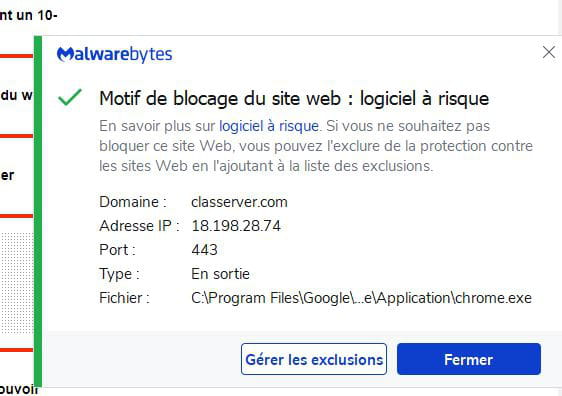
Otherwise, alerts keep coming when I open certain websites, like Sofoot.com. Still alert classerver.com, port 443:
Thank you in advance!
Hello,
Thank you for being a bit more specific regarding these "Malware or viruses."
On another note, which tools did you use to identify them?
-
I also had a mouse cursor that moved on its own.
These are PUPs detected by Malwarebytes.
I ran a scan yesterday, and it found 12, placed in quarantine.
I did another scan today, and it detected 11 more, even though I haven't done anything special on my PC.
That's why I'm worried that there's a virus on my PC causing these PUPs.
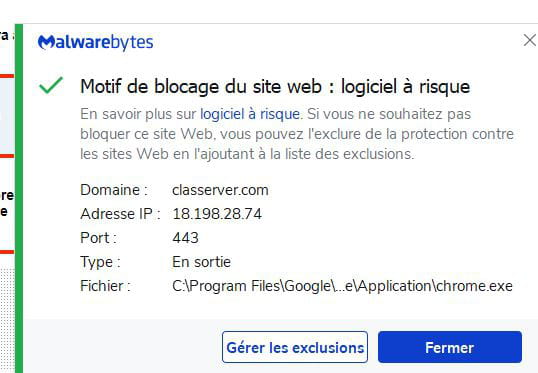
And it has blocked websites several times while I was browsing my usual sites... It's extremely strange. It's mentioning classerver.com...
RE_
Nothing special in the FRST reports, that's why I was asking you for the Malwarebytes reports.
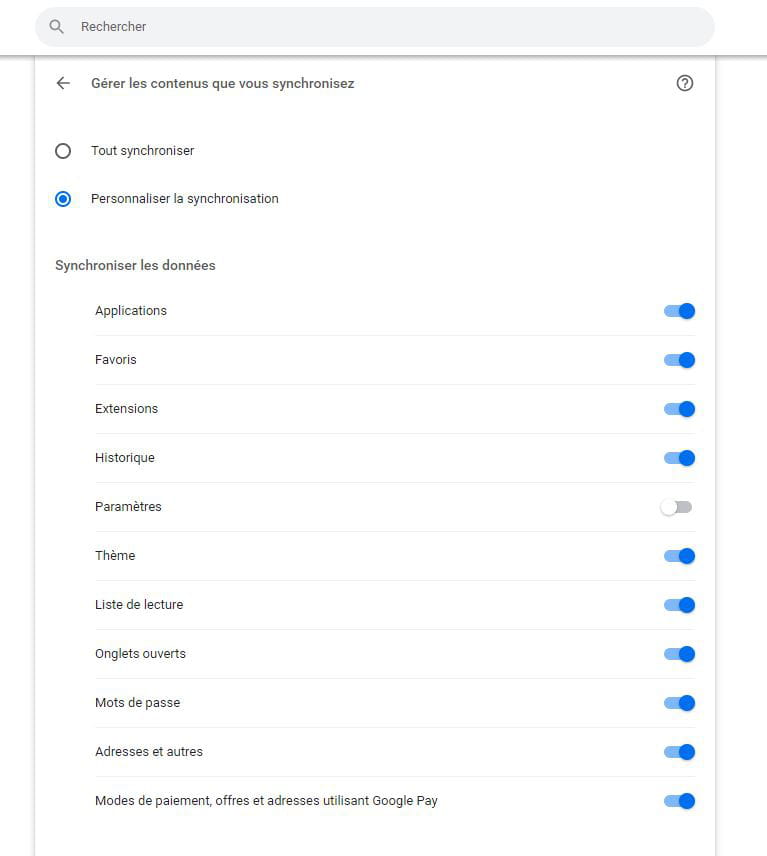
Are you logged into Chrome? Have you enabled synchronization?
Try this:
=> Open Chrome and type chrome://settings/ in the address bar
=> Click on Synchronization under your profile
=> Click on Manage synced data in Google Dashboard
=> At the bottom, click on Restart synchronization
=> This will log you out of Chrome, then close Chrome
All information that has been synced with your account will be deleted, but it will remain on your Chromebook. This means that information such as bookmarks,
applications, and extensions present on the Chromebook will not appear if you enable synchronization on another computer.****************
--> Copy what is here https://textup.fr/669300cZ from start:: to end:: (without pasting it anywhere)
--> Open FRST (or FRST64) as an administrator and click on Fix
If FRST seems to hang or is not responding, let it run--> The PC will restart
--> A fixlog file is created in the same location as FRST, post it like the other reports
****************
Run a Malwarebytes scan again and/or see if you still have the alerts
-
Thank you for your response.
I can't find "Restart synchronization."
After that, am I at risk of losing my favorites?
--
I'm going to try the other method tomorrow morning at home, I'll post it in a comment as soon as I'm done :)
RE_
OK, it has changed, but since I don't use Chrome, I'm not up to date.
Do this:
=> Open Chrome and type chrome://settings/ in the address bar
=> Click on Disable under Google and you, then click Disable again=> Continue the procedure indicated above
So, I won't risk losing my bookmarks?
Apparently, you haven't read:
All information that has been synchronized with your account is deleted, but it remains on your Chromebook. This means that information such as bookmarks,
applications, and extensions present on the Chromebook will not appear if you enable synchronization on another computer.Just to be safe, you can back them up:
=> Copy/paste chrome://bookmarks/ in the address bar
=> In the top right, click on the three dots
=> Click on Export bookmarks
=> Choose the backup location and Save
-
Hello,
Thank you for your response.
I have desynchronized.
I performed the manipulation and here is the report:
https://up.security-x.fr/file.php?h=Re353195d42992cb95cd2fda872c6fd09
I launched an MLB scan, no new threats.
However, I still have the alerts, on Chrome but also with Mozilla. Particularly on the site sofoot.com.
Thank you in advance for your help.
(still having problems with the forum, it doesn't post my first message)
-
-
-
-
RE_ is that a Malwarebytes alert you have? because I just tried and I have no alerts
RE_
Malwarebytes Browser Guard detects it on the site, but lets me access it:
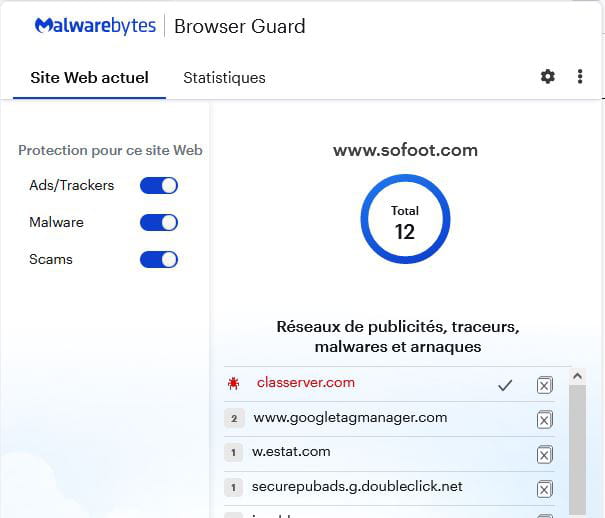
Casseserver.com doesn't seem too bad according to Virustotal, see HERE
For me, you’re not at much risk; you can exclude these sites anyway, since there's not much you can do, as it’s a redirect to the site and not to your PC
You can try to see if it comes from an extension by creating a new account:
=> Click on the bust icon in the top right corner in Chrome
=> Click on Add => Continue without an account => create an account with any name
=> Click on continue and Chrome will launch on this account (close the other Chrome with your profile)
=> Go to Sofoot and Drive and see if you still get alerts
=> To go back to your profile, click on the bust again and select your profile
RE_
OK, try to see if you can exclude it in Malwarebytes.
To automatically delete all files/folders created by FRST and the tool itself, rename FRST/FRST64.exe to uninstall.exe and run it.
The procedure requires a restart.
See you later on CCM.
-

