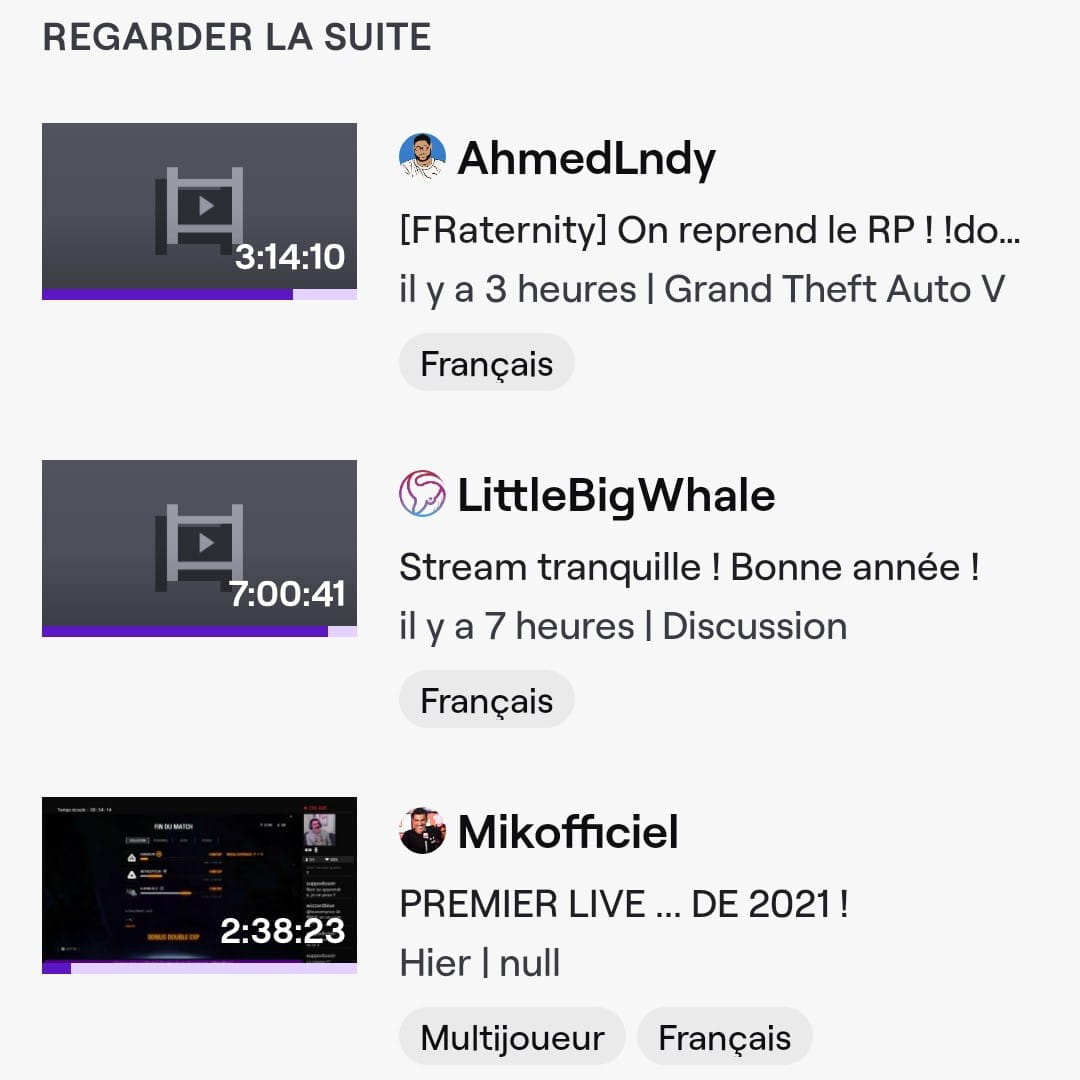
Delete the videos from the "Watch Next" section on Twitch
Solved
auxerrois58
Posted messages
44
Status
Member
-
Del -
Del -
Good evening,
after watching a gaming session on Twitch, I wanted to "snack" by watching other videos that left me wanting more.
However, they still appear in the "Watch Next" section on my Twitch account.
I want to specify that I use it via my Samsung Galaxy S10, so on Android and the latest version.
I've tried to do a bit like on Disney +, going to the end then refreshing, but on the first two videos, it works, then when I reopen the app, back to where I was.
On the last one (Mikofficiel), it's impossible to do anything because you need to be subscribed to watch the replay.
Thank you for your help.

after watching a gaming session on Twitch, I wanted to "snack" by watching other videos that left me wanting more.
However, they still appear in the "Watch Next" section on my Twitch account.
I want to specify that I use it via my Samsung Galaxy S10, so on Android and the latest version.
I've tried to do a bit like on Disney +, going to the end then refreshing, but on the first two videos, it works, then when I reopen the app, back to where I was.
On the last one (Mikofficiel), it's impossible to do anything because you need to be subscribed to watch the replay.
Thank you for your help.