BlaBlaCar site inaccessible "You cannot access this page."
Hypergonar
Posted messages
102
Registration date
Status
Member
Last intervention
-
soso -
soso -
Hello,
I want to go to the Blablacar website, but no matter which section I click on, it shows at the bottom of the screen: You cannot access this page. When I refresh, the screen goes blank with the only message (in English): Please enable JS and disable any ad blocker. Assuming JS means Javascript, I check and it is already enabled, then I disable the ad blocker. Nothing works... You cannot access this page.
I would like to understand.
Configuration: Windows / Chrome 79.0.3945.88
I want to go to the Blablacar website, but no matter which section I click on, it shows at the bottom of the screen: You cannot access this page. When I refresh, the screen goes blank with the only message (in English): Please enable JS and disable any ad blocker. Assuming JS means Javascript, I check and it is already enabled, then I disable the ad blocker. Nothing works... You cannot access this page.
I would like to understand.
Configuration: Windows / Chrome 79.0.3945.88
3 answers
-
Hello, it doesn't work for me either. I tried coming back to the site later; maybe it will work then.
--
Mauriello -
pistouri Posted messages 19010 Registration date Status Contributor Last intervention Ambassador 8 732
Hello,
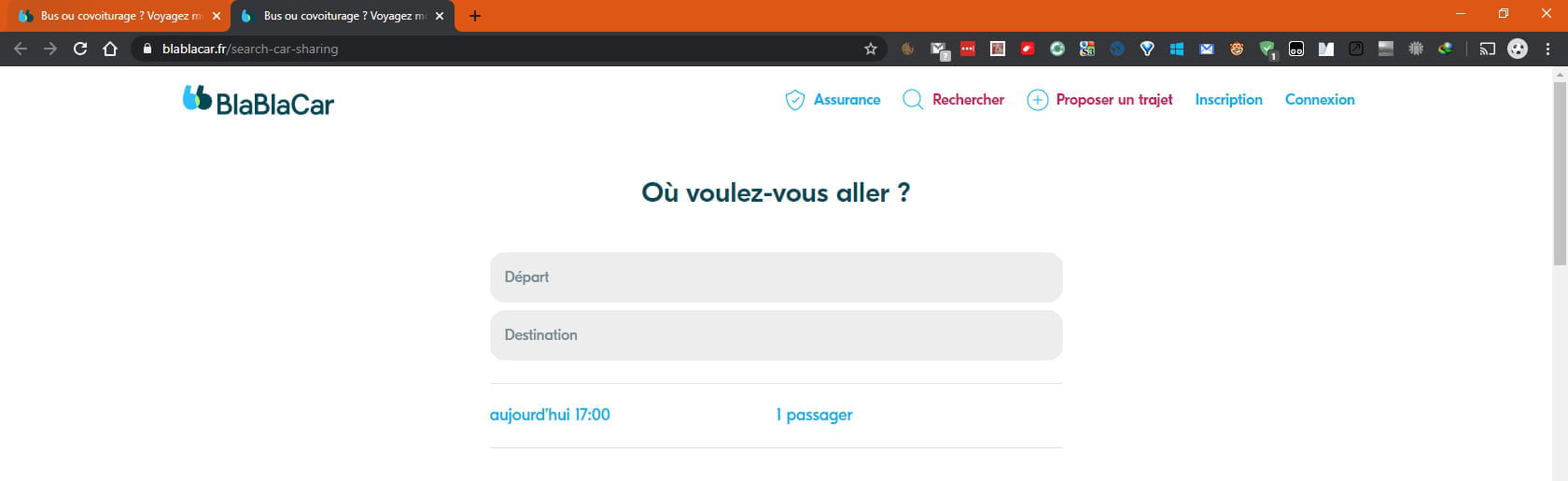
The site works on my end regardless of the browsers with ad blockers enabled.
For example, with Chrome:
Home:
Where do you want to go?
BlaBlaBus:
1- Clear your browser cache.
The tutorial.
2- Reset Google Chrome with ResetBrowser
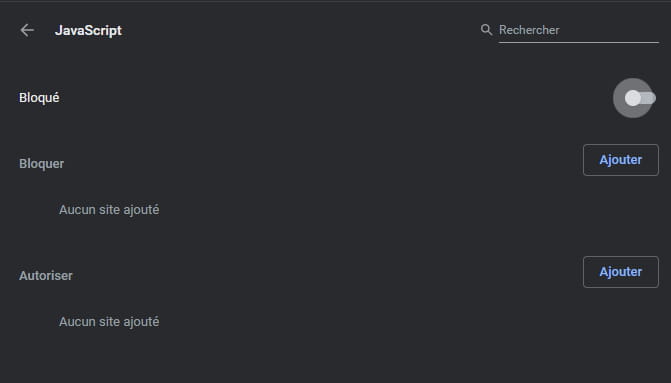
3- Disable Javascript on Google Chrome
See this practical guide
Advanced settings → Site settings (not Content settings because it's like that with the latest version of Chrome).
Then the line → Javascript
Disable the highlight to block Java.
4- Try another browser.
Avoid Internet Explorer, strongly discouraged by Microsoft.
5- Connect to https://www.blablacar.fr/
Cheers
--
pistouri -
I am in the same situation as you; I tried via SAFARI and via GOOGLE CHROME but the problem persists.
I sent a request to their technical platform.