Hard drive not detected by BIOS

_Shad
Posted messages
15
Status
Member
-
_Shad Posted messages 15 Status Member -
_Shad Posted messages 15 Status Member -
Hello, hello,
At Christmas, a friend and I gave a Lenovo B50-30 laptop that we bought second-hand from Facebook Marketplace and that was working perfectly until now.
This week, the PC decided to crash for the first time. Upon turning it on, it displayed the "Lenovo" logo and then shut down immediately. It would restart, show the logo, and then shut down again. All of this in a loop.
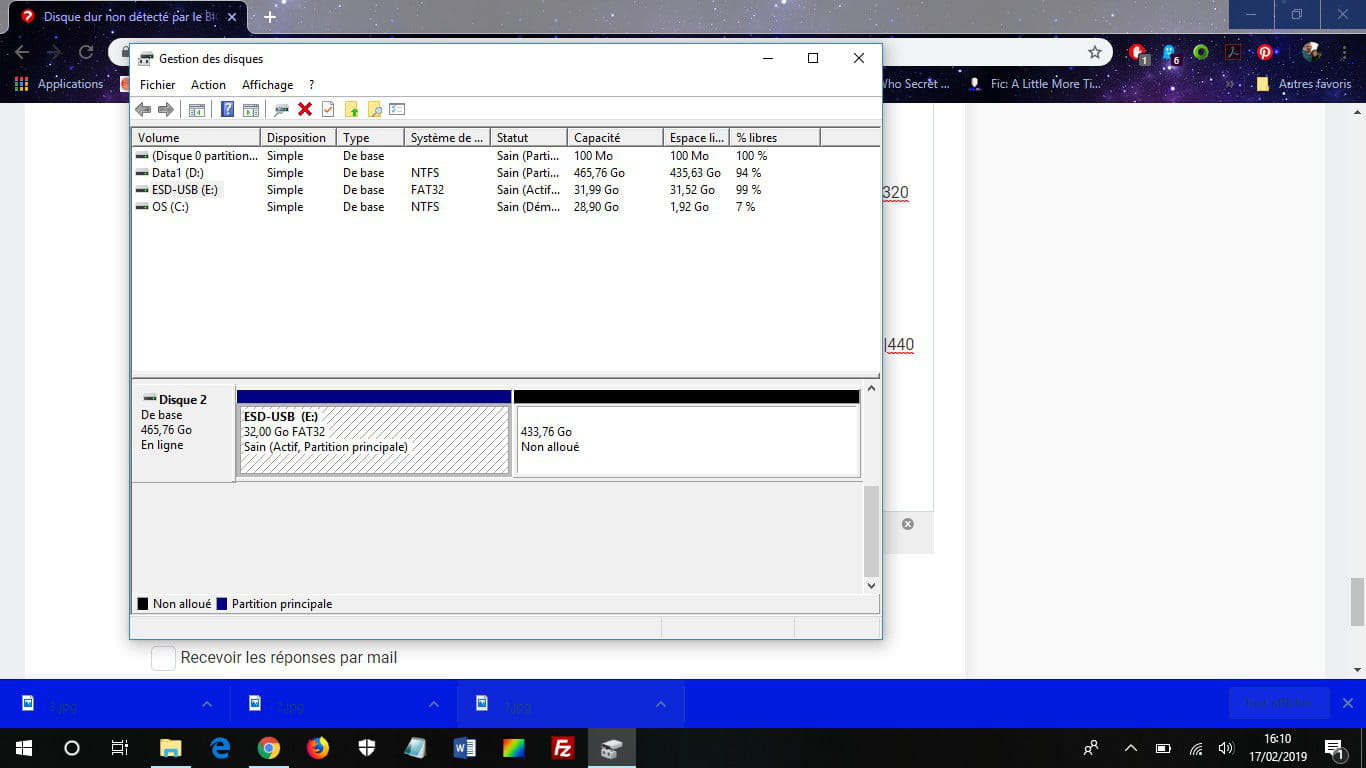
By removing the hard drive and connecting it externally to my own PC, I discovered, by going through disk management since the hard drive did not show up in my devices, that the disk was completely unallocated.
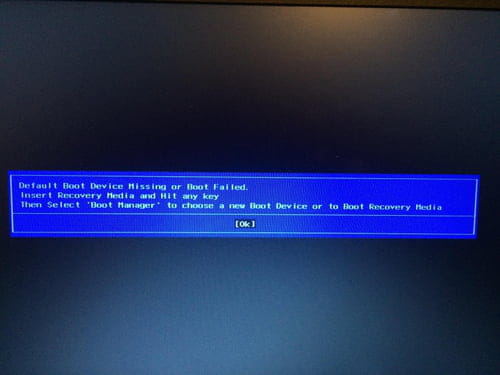
To resolve this issue, I created a new partition and reinstalled Windows 10 using the installation tool provided by Microsoft. Then, I reattached the hard drive and turned the PC back on... only to be faced with the message "Missing operating system". By changing the hard drive from FAT32 to NTFS via my computer and then reconnecting it to its machine, the PC indicated "no bootable device found", asking me to try via "EFI PXE Network", which resulted in another failure.
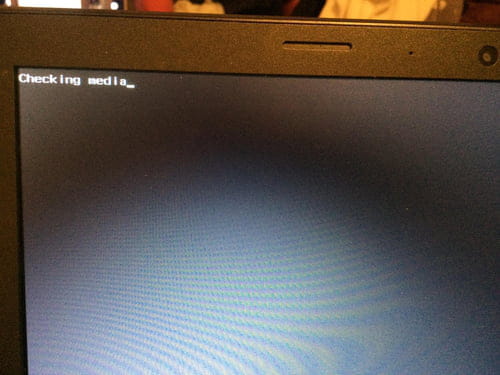
Thinking that I had made a mistake in reinstalling Windows, I reformatted the disk and reinstalled Windows properly. The message "checking media" is now the only one that appears after the logo, and this "checking media" always ends up failing.
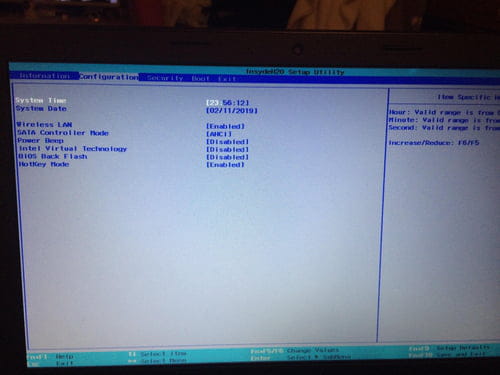
When I opened the BIOS, I noticed that the hard drive is not detected at all by it. As an external hard drive, it works perfectly, but it is impossible to get it working in the computer, to find it in the BIOS. And I must admit that I am at a loss and don’t know what to do to fix this issue.
The hard drive is a Seagate Laptop Thin SSHD of 500GB.
--
"We are just extra cards in a castle that keeps collapsing."
At Christmas, a friend and I gave a Lenovo B50-30 laptop that we bought second-hand from Facebook Marketplace and that was working perfectly until now.
This week, the PC decided to crash for the first time. Upon turning it on, it displayed the "Lenovo" logo and then shut down immediately. It would restart, show the logo, and then shut down again. All of this in a loop.
By removing the hard drive and connecting it externally to my own PC, I discovered, by going through disk management since the hard drive did not show up in my devices, that the disk was completely unallocated.
To resolve this issue, I created a new partition and reinstalled Windows 10 using the installation tool provided by Microsoft. Then, I reattached the hard drive and turned the PC back on... only to be faced with the message "Missing operating system". By changing the hard drive from FAT32 to NTFS via my computer and then reconnecting it to its machine, the PC indicated "no bootable device found", asking me to try via "EFI PXE Network", which resulted in another failure.
Thinking that I had made a mistake in reinstalling Windows, I reformatted the disk and reinstalled Windows properly. The message "checking media" is now the only one that appears after the logo, and this "checking media" always ends up failing.
When I opened the BIOS, I noticed that the hard drive is not detected at all by it. As an external hard drive, it works perfectly, but it is impossible to get it working in the computer, to find it in the BIOS. And I must admit that I am at a loss and don’t know what to do to fix this issue.
The hard drive is a Seagate Laptop Thin SSHD of 500GB.
--
"We are just extra cards in a castle that keeps collapsing."