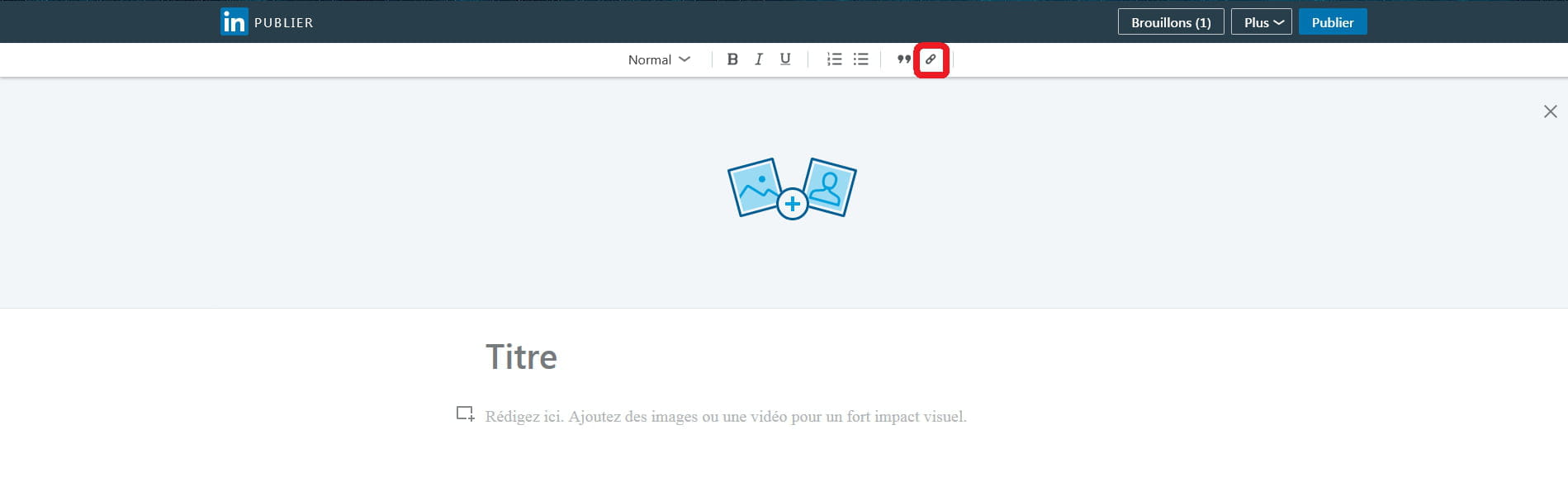
Insert a hyperlink in a LinkedIn post.
PhiL
-
HeleneH -
HeleneH -
Hello,
I'm looking for how to insert links in my posts on LinkedIn.
Actually, if I type a link (a web address), it works but it's rather "ugly".
I would like to write "toto", for example, and have it linked to a page that I would indicate. So instead of the link appearing as a web address (which is a bit "hard to digest"), it would just say "toto" and with one click, you would access the page in question.
Here's an example of a post where there's a link at the top like I would like to make:
https://www.linkedin.com/feed/update/urn:li:activity:6364764325550256128
Thank you in advance for your help!
I'm looking for how to insert links in my posts on LinkedIn.
Actually, if I type a link (a web address), it works but it's rather "ugly".
I would like to write "toto", for example, and have it linked to a page that I would indicate. So instead of the link appearing as a web address (which is a bit "hard to digest"), it would just say "toto" and with one click, you would access the page in question.
Here's an example of a post where there's a link at the top like I would like to make:
https://www.linkedin.com/feed/update/urn:li:activity:6364764325550256128
Thank you in advance for your help!