Problem with the Contacts app
Rico0075
Posted messages
3
Status
Member
-
ed.inc Posted messages 22 Status Member -
ed.inc Posted messages 22 Status Member -
Hello, I have a Samsung J7 Prime. My problem is that the contacts app stops working when I open it; it says "Contacts has stopped," and I'm asked to restart. It keeps saying "Contacts keeps stopping," and I don't know what to do anymore.
2 answers
-
Hello,
Clear general cache ("phone maintenance" by memory for Samsung)
Settings, applications, if the app is present in the list, clear its cache.
IF CONTACTS ARE SAVED ON THE SIM CARD
(if it's on the phone I'm afraid it will delete everything)
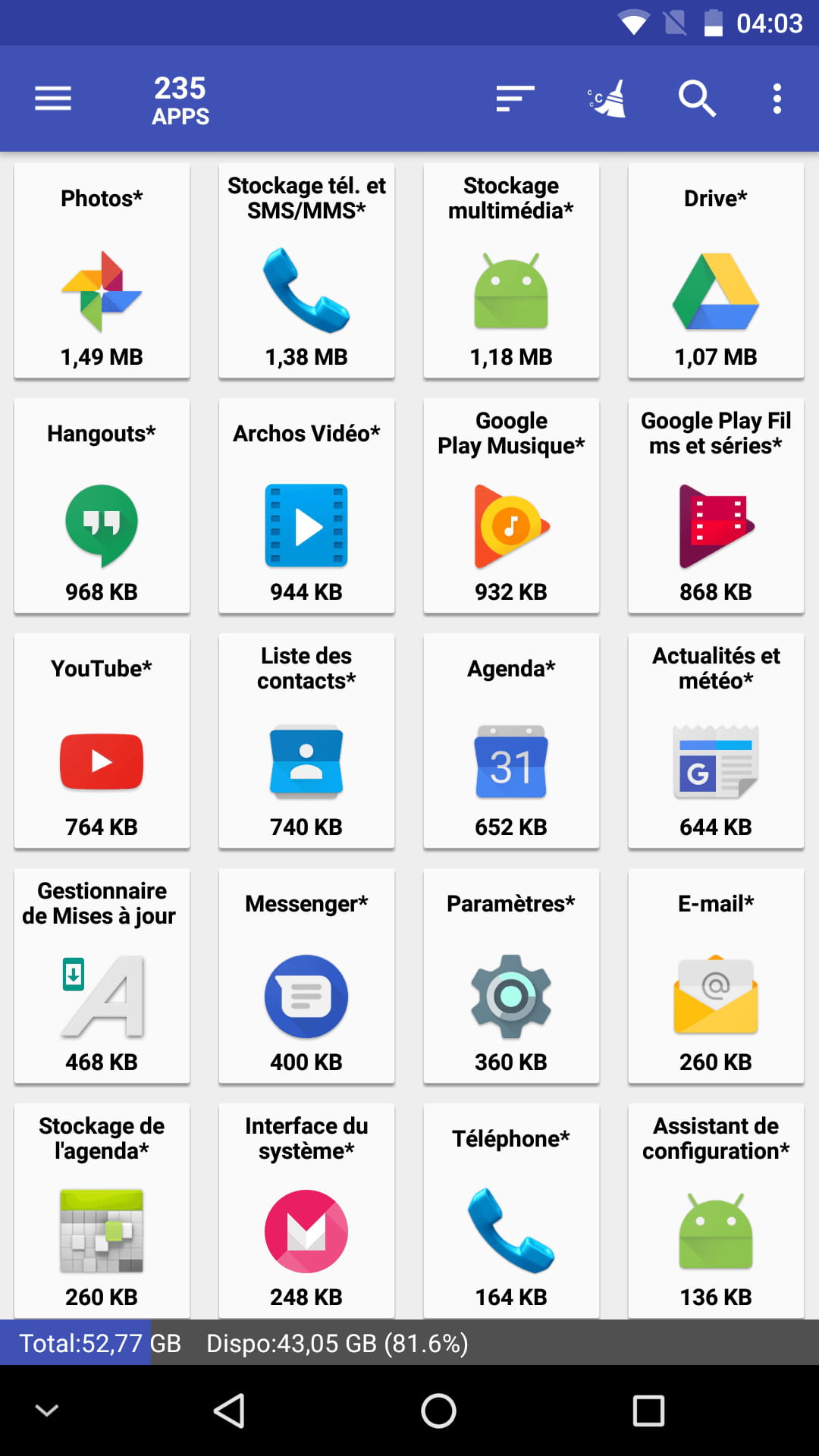
To reset (factory settings restore) the "Contacts" app, you will need to download this app:
https://forums.commentcamarche.net/forum/affich-35020978-mobile-teeno-spam#p35308125
=> It may not appear
(settings - show system applications - look for items related to contacts - information - storage - clear data & clear cache)


*
Try simply downloading another contacts app (Google Play Store)
Please keep me updated => "Still stuck" "It’s resolved thanks to/ I found that I had to"
because I often have several steps and always a trick up my sleeve!!! -
Do you use the app that is pre-installed by Samsung on your device? (that is to say, you cannot uninstall it)
To check, go to the Play Store, then search for Google Contacts.
1. If the green button says "Install"
Press it and follow the app's instructions (To see your contacts: Click on the icon with 3 bars - at the top left, then click on All my contacts. No Google account? No problem for the app. Synchronization? Automatic with the Google account)
2. If the green button says "Update"
Scroll down the Store page to see READ MORE. Click on READ MORE then go to the bottom. If the proposed version is 3.0, then update it, there is a big new feature included (top of the screen white instead of blue, YEAH but that’s not the big new feature).
If the version is 3.0 or 2.X, update it, it may solve your problem.
3. If the green button says "Open"
Go back to the home page of the phone and then go to SETTINGS > APPLICATIONS > CONTACTS (blue background icon) > FORCE STOP
Otherwise, go to SETTINGS > APPLICATIONS > CONTACTS (no blue background for the icon) > FORCE STOP. Once you have force stopped the app, restart your phone.
If it still doesn’t work, log out (remove) from your Google account (SETTINGS > ACCOUNTS).
Once restarted, go to SETTINGS > ACCOUNTS and add one. The account you add must be a Google account to connect to yours.
This little help will work with Android from version 4.2 to 9.0 (5, 6, 7, 8 included, obviously...) (Home page > SETTINGS > ABOUT PHONE > ANDROID VERSION)
- ed.inc / I hope it works?