Convert PDF to JPEG
Hello,
While trying to reduce the size of a photo, all my Image folder has been converted to PDF format instead of JPEG. I can't seem to convert them back to JPEG.
I can't even open a photo and use "save as" to change the format. When I try to open a photo, an Adobe Acrobat Reader DC window opens, but there is no option to open the image.
What should I do?
Thank you for your valuable advice.
Have a great day.
Configuration: Windows / Edge 15.15063
2 answers
-
Thank you for the information, but I actually found the solution, or rather one of the solutions.
For those who have the same problem, here’s my approach: I went to "Settings," then to "Apps," then to "Default apps," and finally in "Photo viewer" I changed PDF (which was selected) to JPEG (in the "choose an app" dropdown menu). All my photos came back in JPEG format like magic. -
Hello,
Rename one of the photos to photo name.jpeg.
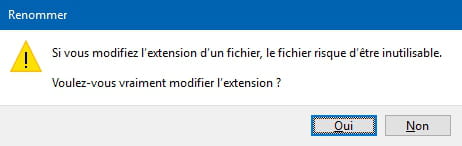
You will receive a message asking if you want to change the extension, you click yes.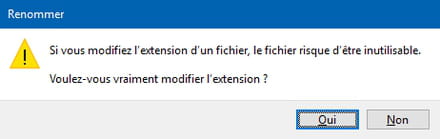
Provided that it is indeed the extension that has been changed, of course.