HP scanning unavailable
1 answer
-
Contributor
Hello.
Can you at least give us some context? It's a bit vague as a description of the situation.
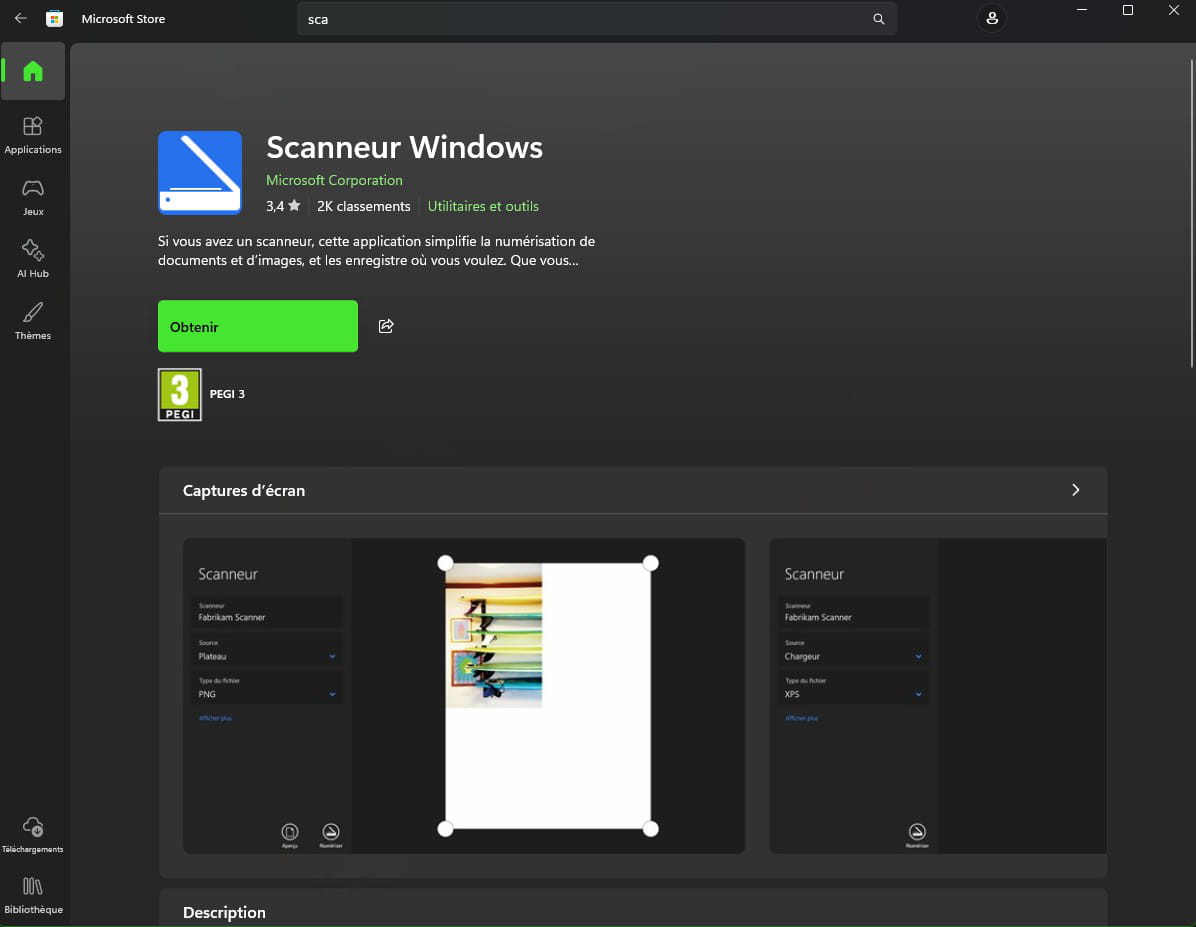
Please note that you also have the native Windows scanning:
"Windows Fax and Scan"
-
-
@Kori-Kori
Hello,
In this riddle, it's unclear whether it's the computer or the multifunction device that is HP and whether the issue lies with the connectivity or the software.
If it's a software issue (the printer is normally supplied but may not be compatible with Windows 11 if it's old), the HP Scan and Capture application has the advantage of offering more settings (for example, multi-page) and it works not only with HP printers.
It can only be found with the Koreans now, third link.
http://sh-oa.co.kr/bbs/board.php?bo_table=05&wr_id=3&device=pc&ckattempt=1
-
@brucine
There is of course also, for example, the assumption of a hardware failure of the printer or the absurd fact that in certain brands, scanning is refused if there is no ink.
-