Babelio is unreachable
Hello,
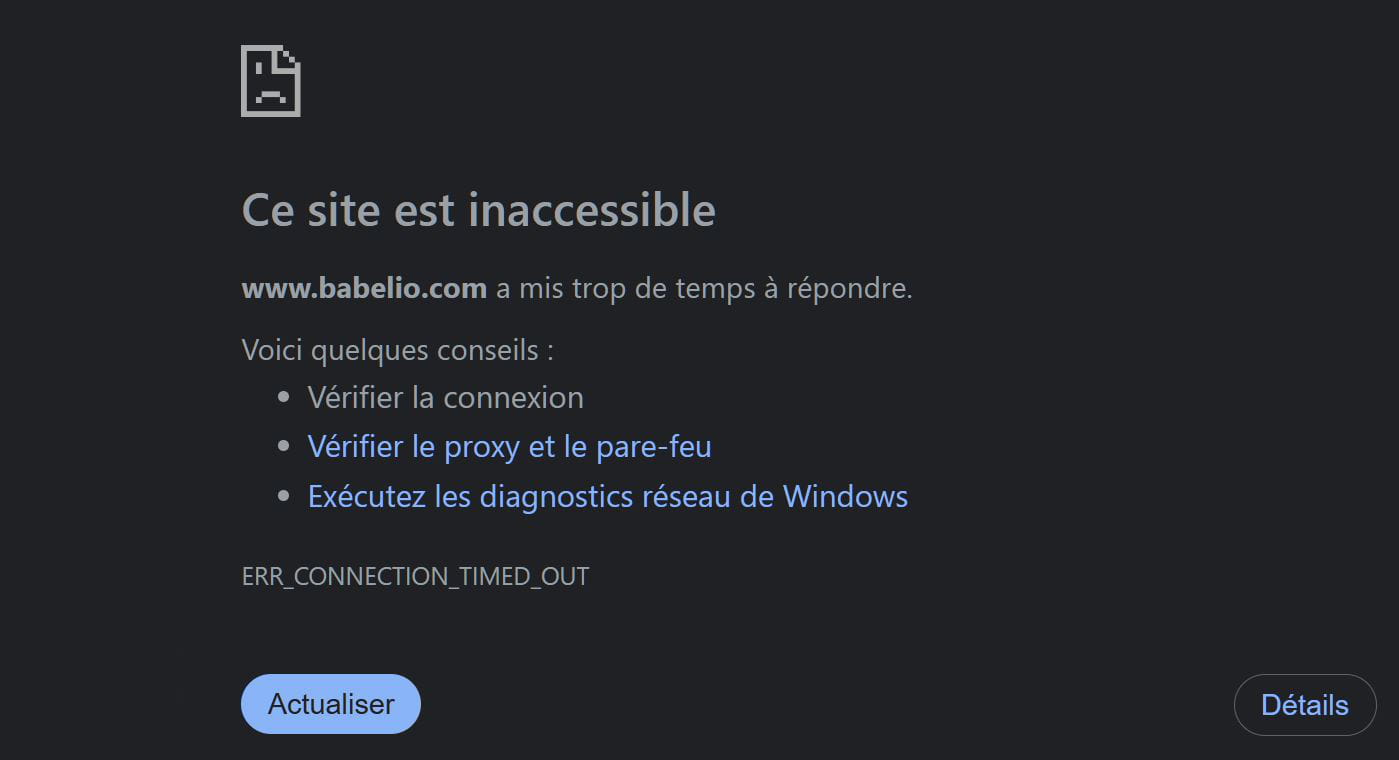
Like many, I go on the Babelio site. But for some time now, I've been getting the following screen, and I can never access the site.
Is there a procedure to follow?
Here is the attached screenshot.
Thanks to all
4 answers
-

Hello,
The site seems to work correctly under Firefox Android for me!
This does not seem to be the case for all users.
Try clearing the cache in your browser.
If you are using a VPN, check by disabling it!
Try with other browsers to see.
-
Thank you.
No VPN. On Firefox, it's slow (timeout, etc.)
On Chrome, I cleared for 7 days + cookies.
Result: same screen as in the attachment...
-
Hello,
Not logged into an account, as I don't have one, but accessing the site itself, I haven't encountered any issues with Firefox even without allowing any scripts through NoScript.
Aside from cache and cookies, and even without a VPN, the situation may suggest some indirect filtering of sites by security software. -
-
-
Thank you.
More specifically: "indirect filtering of sites by security software."?
An antivirus? I don't have one; I just have Windows Defender, which actually does its job very well. Other than that, I don't see what else I can do. On the other hand, I can also do without Babelio; but that's a bit of a shame...
-
-
@brucine
Formally, it is always possible for a site to be blocked by the Windows firewall, even if it is unlikely that this is intentional:
Formally, browser extensions can also block access to a number of sites.
But in the case we are interested in (or others), it is sufficient to go to the site "is it down for me" and enter the address of the site, which will tell us if at that moment the outage is due to an internal or external issue, and it does indeed seem that we are dealing with the second hypothesis, as the site appears to be suffering from at least intermittent outages and it is therefore urgent to wait.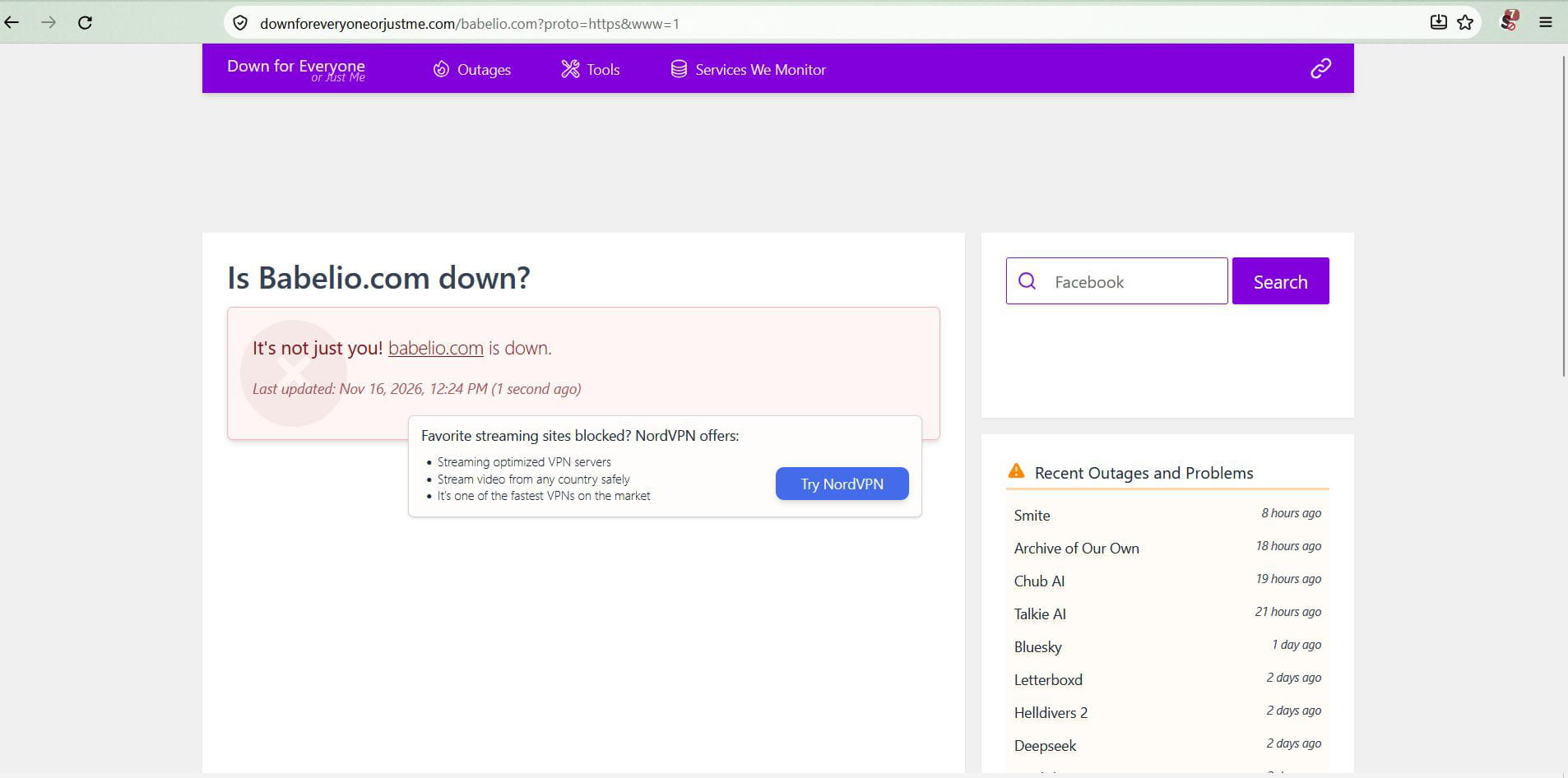
-
-
Hello
Website accessible (FF + W11) on PC