Mouse Scrolling Disabled
Good evening everyone,
I'm stuck on something silly!
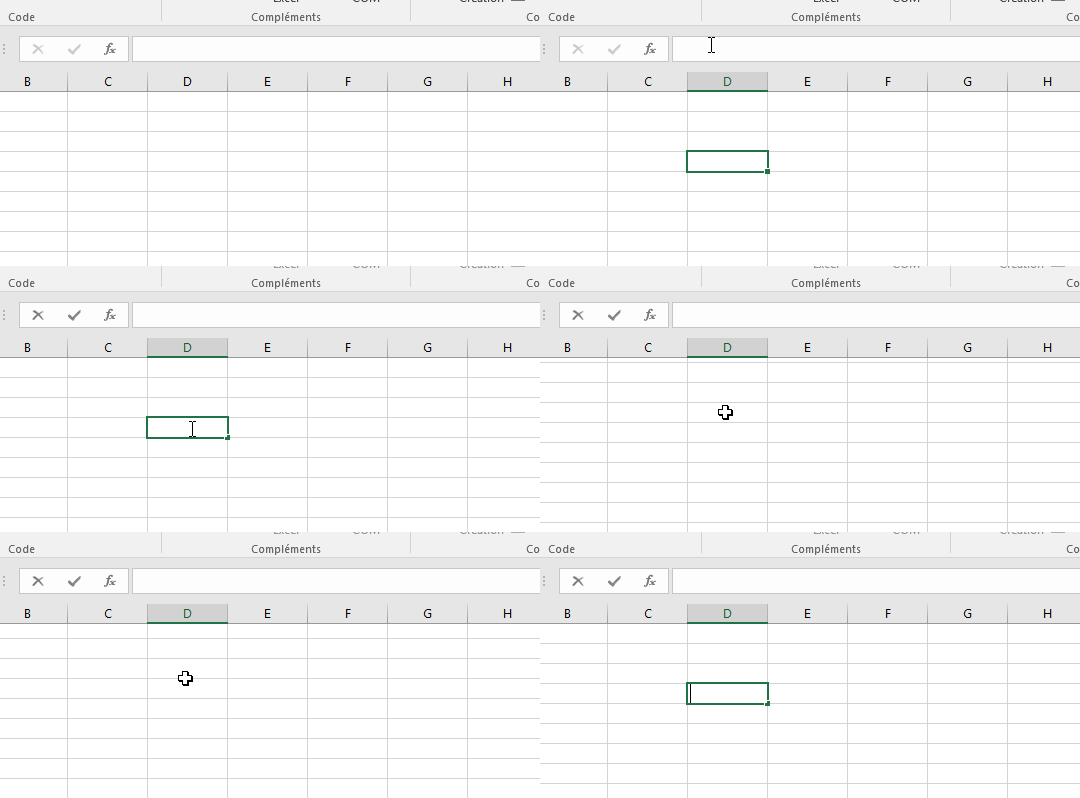
When I select an Excel cell, the scroll (scrolling with the mouse wheel) doesn’t work anymore.
So it’s impossible to efficiently look for another cell in a large table.
Only the keyboard arrows or the scroll bars work.
Some tests already done:
1/ It happens with all my Excel files
2/ I changed the mouse, nothing works
3/ The scroll works fine as long as I do not select a cell.
Thank you very much for your valuable help!