Adobe Reader DC and Arabic language
Hello,
I am using Adobe Reader DC. For OCR, I cannot find the Arabic language (see attached image)

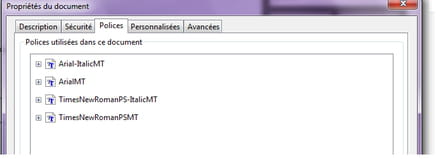
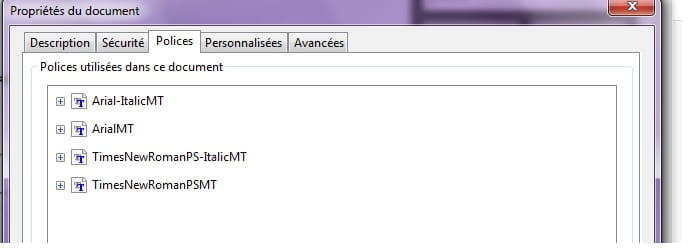
Also, when I copy and paste, some incomprehensible characters appear (see attached image)

I have installed the Arabic fonts in (C\windows\fonts) and also installed Arabic font for this software. NOTHING has changed
Your advice
I am using Adobe Reader DC. For OCR, I cannot find the Arabic language (see attached image)
Also, when I copy and paste, some incomprehensible characters appear (see attached image)
I have installed the Arabic fonts in (C\windows\fonts) and also installed Arabic font for this software. NOTHING has changed
Your advice
4 answers
-
I believe it depends on the reading direction of the language..
Chinese works with OCR provided it is printed in a Western style..
We should try with a version of Acrobat for the Arabic language. -
Hello,
I have installed it properly, and the same problem persists. In fact, how can I add languages in the ROC settings of Adobe Reader DC 2015????
Thank you-
You cannot add libraries..
These are included in the version of Acrobat you have.. If you purchased a version for "Middle-East and North Africa" of Acrobat, you should have the Arabic language included (Source Adobe).
This is for Acrobat "pro"..
In the "reader" version, it may not be possible. However, try to see if you are in Tunisia, if it is possible to download the version from the US servers destined for North Africa or the Middle East. -
-
-
-
Hello,
I tried and it no longer exists. Any other solution?-
There are online conversions... http://www.i2ocr.com/free-online-arabic-ocr
I don't know what it's worth... -
-
-
-
I like the fonts