Minecraft LAN Issues
Hello, I'm in confinement at my girlfriend's place and we are playing Minecraft over a local network. So far everything was working well, but now she can no longer see the games I'm sharing. If she hosts the game, I can see and join it, but not the other way around. She doesn't have a router yet, so we are playing using a hotspot from a phone (we don't need the internet, the phone just acts as a link between the two PCs).
Any idea what could be wrong?
Thanks in advance
Pierre
Any idea what could be wrong?
Thanks in advance
Pierre
8 answers
-
Hello,
The smartphone acts as NAT; attempting to access the computer connected through the smartphone's network sharing from the LAN is akin to trying to access a computer in the LAN from the Internet.
The computer connected to this smartphone has a default route via the smartphone, which itself has a default route via the router. It can therefore access both the LAN and the Internet.
The computer in the LAN has a default route via the router, which is unaware of the other network created by the connection sharing "behind" the smartphone. The router cannot direct the computer in the LAN to the computer in the "sub-LAN" via the smartphone.
A very simple solution would be to connect the two PCs with an RJ-45 cable and manually configure the IP addressing.-
Hi,
no, if I understand correctly, the two PCs are connected via wifi to the shared network of the smartphone, it's like the smartphone is a 4G router.
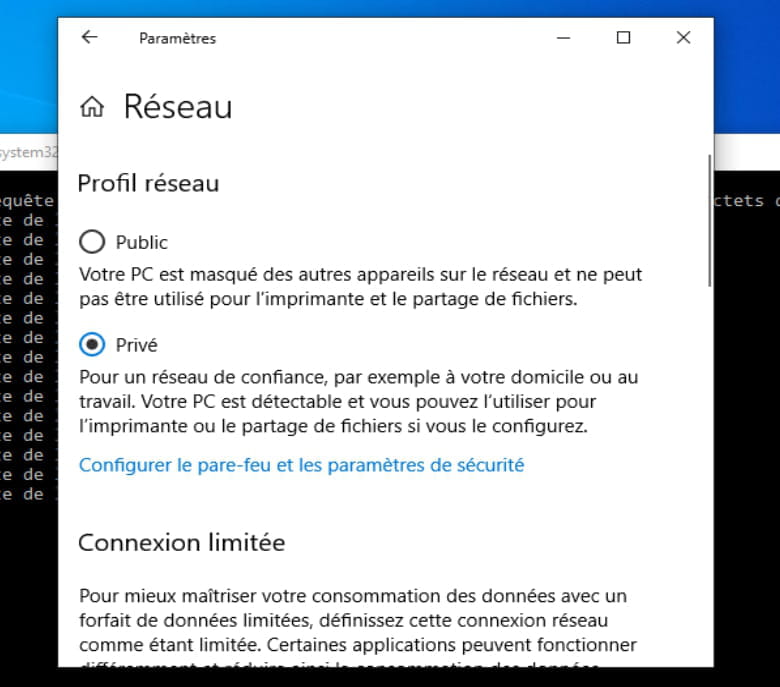
There should rather be a firewall on the PC or one of the PCs is on a public network or configured to be invisible on the network.
But it’s true that a direct cable between the two PCs would solve a lot of issues and provide better performance.
-
-
Yes, the phone acts as a box. Direct cable not possible, one of the PCs doesn't have an RJ-45 port... I looked a bit into the firewall but I must admit I don't understand much about it.
-
I can't find it :/ I don't know this parameter.
-
Okay, I did it but it doesn't change anything. I also reinstalled the game (just in case) and there's still no change.
-
The Windows Defender firewall, the basic one. But even when I disable it (private network and public network), it doesn't work.
-
I haven't touched the IP. For Minecraft LAN, there's no need for a server; you start a single-player game and then click "Open to LAN." At that point, people connected to the same network can see it in the multiplayer section under "LAN Games" and join. Right now, if I click "Open to LAN" on my PC, the other PC can't see it. However, if it's the other PC sharing, then I can join.
The thing is we're playing on my map; I also play solo on it. Currently, we manage by transferring the map files back and forth between the PCs at the start and end of each multiplayer game, but that's becoming annoying, and I'd like to resolve the issue (especially since it was working perfectly just a week ago...
I'm a bit out of ideas here... I did a major Windows update recently, but I don't see how that would have changed anything. In any case, thanks for the help! :) -
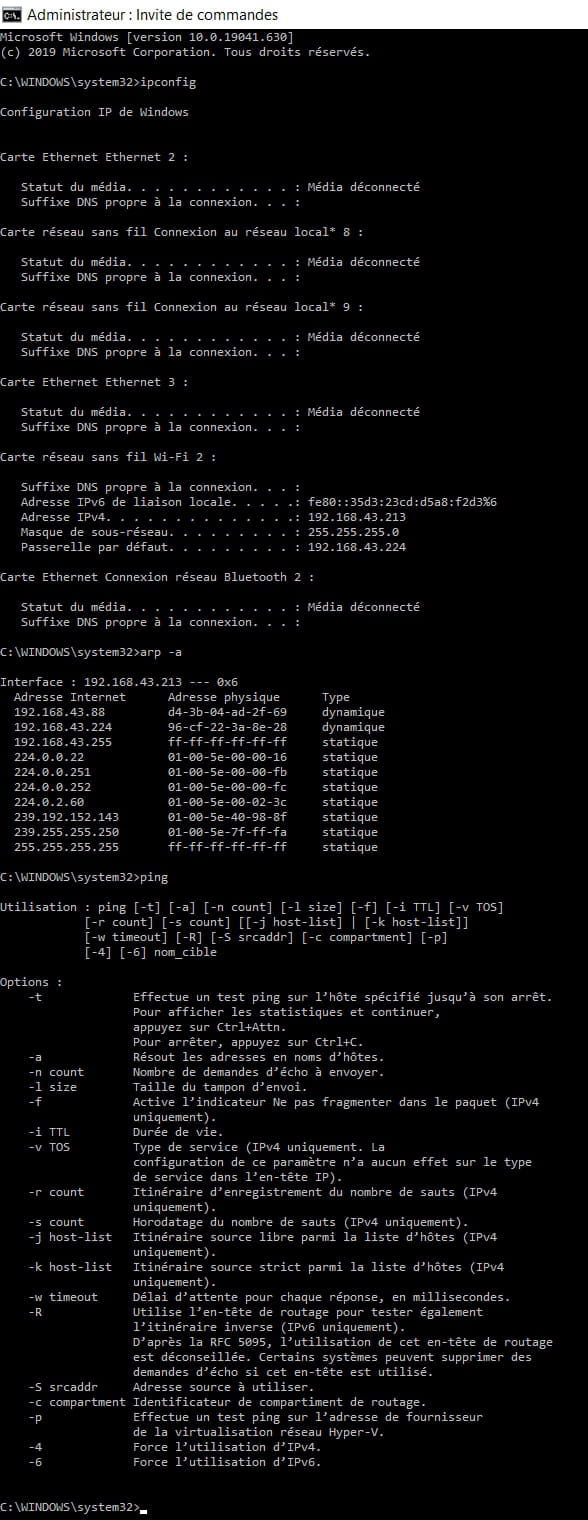
I admit that I don't quite understand what I need to do. -
It's from my PC (the one that's invisible to the other PC).