Remove Pulse browser
SolvedHello,
My father's PC is infected with Pulse Browser. I uninstalled it from Windows settings, deleted the Pulsebrowser folder from the AppData\Local folder, removed the Chrome and Edge extensions, and finally deleted a suspicious shortcut in Chrome. None of this worked. Can you help me?
2 answers
-
I managed to remove Pulse Browser. Everything is fixed. :-)
-
Moderator
Hello.
These are nuisance notifications that you have registered in your web browser.
Two options are available to you.
- Either delete the nuisance notifications yourself, for this read and also .
Or manually or with Reset Browser reset the concerned browser.
- If it’s still the same
Download .
Once downloaded save FRST to the desktop then right-click FRST and choose Run as administrator which gives this: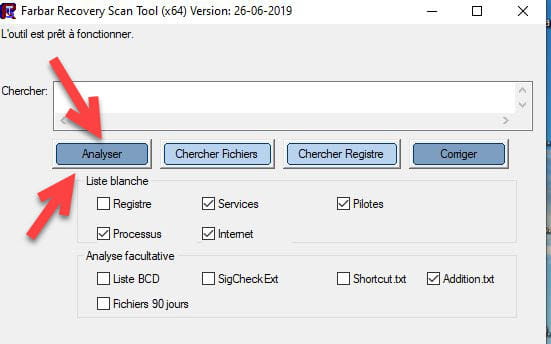
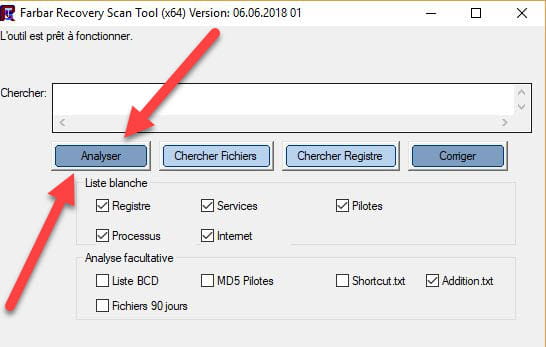

 Wait for the message the tool is ready to use to appear then click on Analyze.
Warning, wait for the messages saying that the scan is finished to appear.
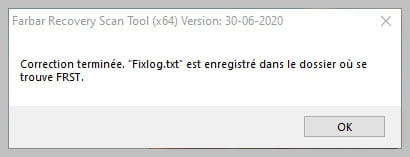
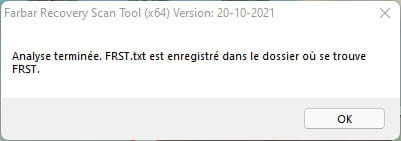

At the end of the scan the two reports FRST and ADDITION will be on the desktop.

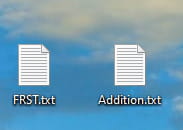
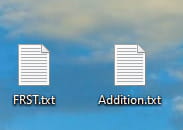
Upload the FRST and ADDITION reports to .
Then include the two links generated by in your reply.
For information :
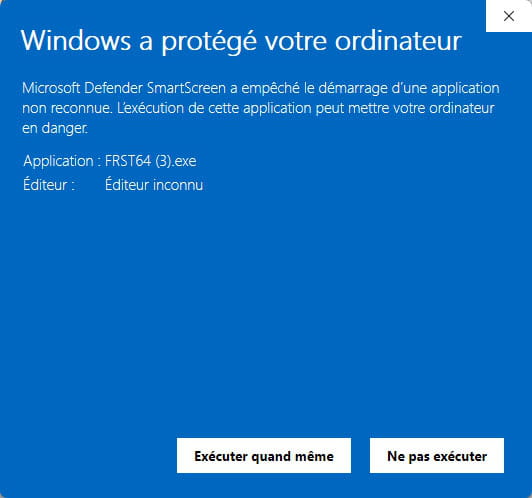
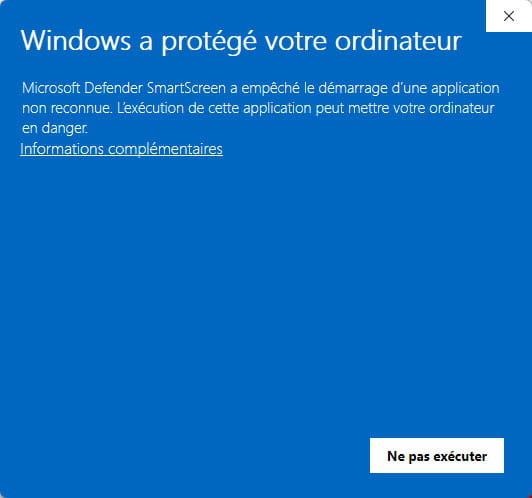
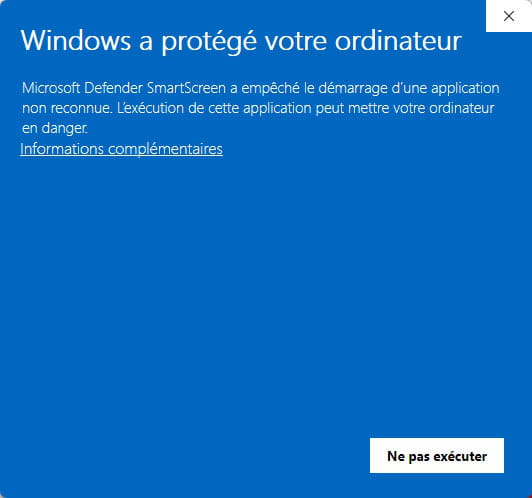
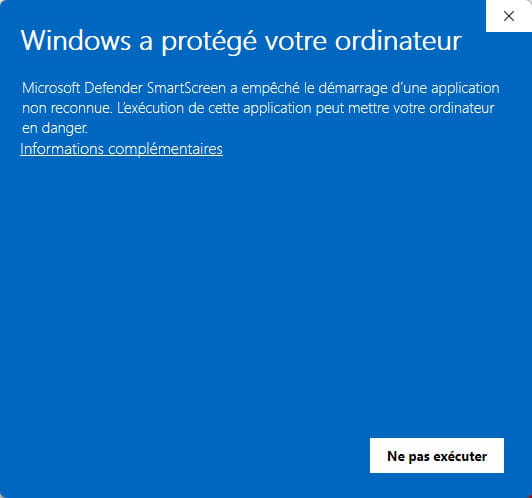
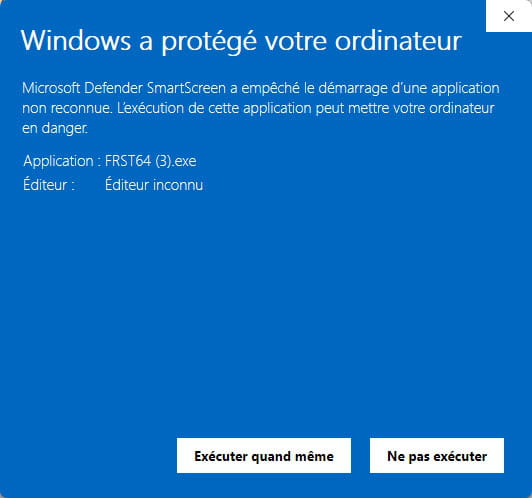
 If opening FRST triggers a Microsoft Defender alert, ignore it and click on More information then on Run anyway, see below.
-
-
Moderator@Bassetringue
@+ on CCM.
-